International Soccer Channels: Where to Watch Football Worldwide
International soccer connects millions of football fans across the world. From the English Premier League and Spanish La...
Read Article
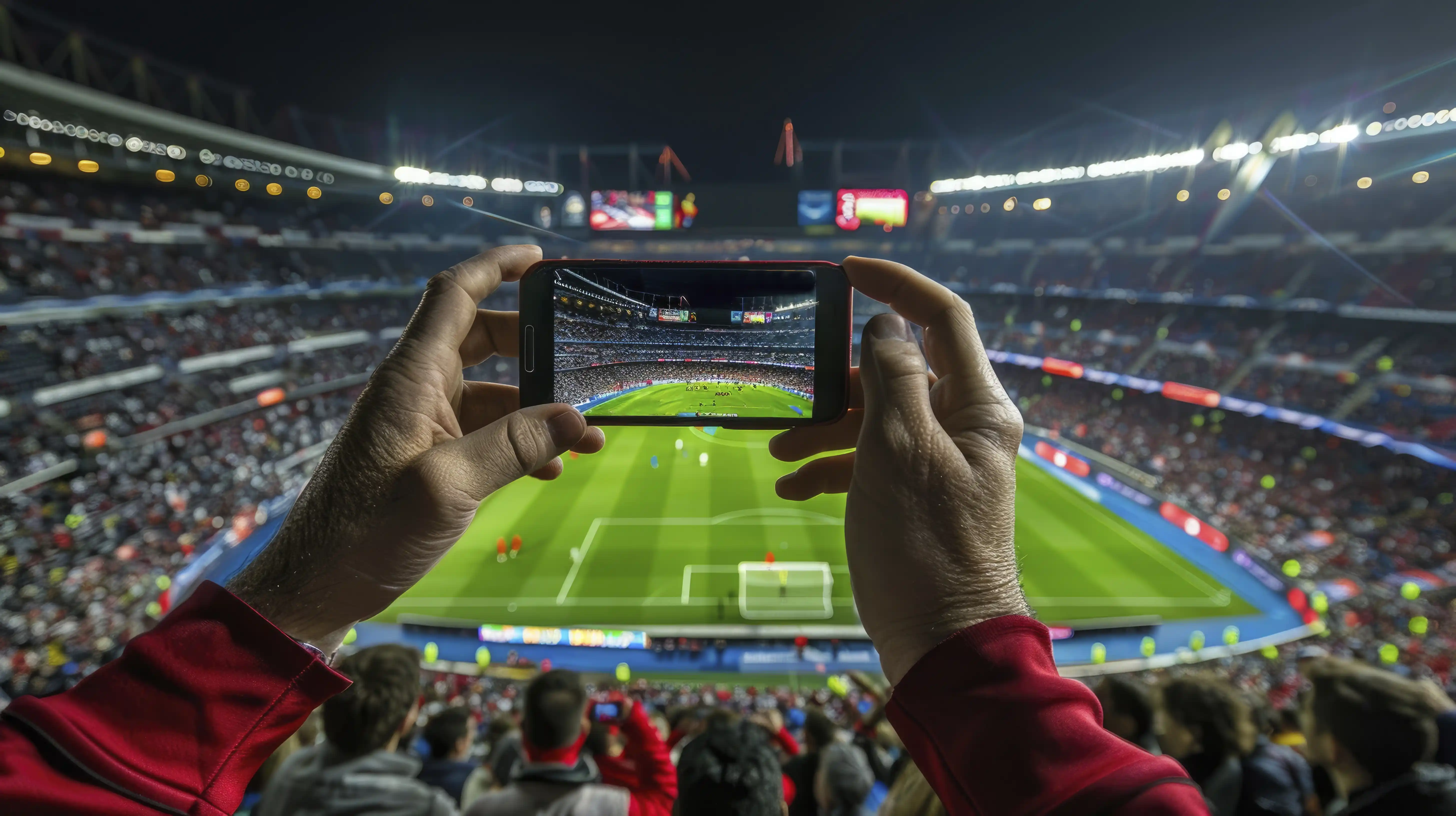
Finding the best IPTV for live soccer is about more than choosing a service with a large number of sports channels. Football fans need a compatible viewing device, clear match availability, suitable picture quality, reliable playback, and a subscription that fits their household.
Whether you follow domestic leagues, international tournaments, national-team matches, or major European competitions, the quality of your viewing experience depends on the complete streaming setup.
From the United States and Canada to the United Kingdom, Ireland, Australia, New Zealand, South Africa, and other English-speaking markets, football supporters face different streaming options, broadcasting arrangements, and device requirements.
In this guide, you will learn how to compare IPTV services for live soccer, understand the features that matter during a match, choose a suitable streaming device, and evaluate subscription options before committing to a longer plan.
If you are mainly looking for official football channels and broadcasters by country, read our International Soccer Channels Guide.
The best IPTV setup for live soccer is one that combines authorized access to the matches you want, compatible hardware, stable video delivery, clear subscription terms, and dependable technical support.
For viewers who prefer watching on a television, a compatible Smart TV, Amazon Firestick, or Android TV device can provide a convenient experience.
For mobile viewers, a supported smartphone or tablet application may be more practical.
However, no single device or IPTV subscription is automatically the best choice for everyone. Your preferred competitions, country, internet connection, device compatibility, and viewing habits should guide the decision.
Live football places different demands on a streaming setup compared with watching recorded movies or television series.
During a live match, viewers may notice interruptions, playback delays, blurred movement, or audio problems more easily.
When evaluating a service, focus on the following features:
A service should not be judged solely by promotional claims about server speed, channel counts, or maximum video resolution.
Movies and recorded television programs are generally available on demand, while live football is produced and delivered as events unfold.
This creates additional considerations for viewers.
Live-stream delay, sometimes called latency, is the time between an event happening on the pitch and appearing on your screen.
Different streaming platforms can have different delays because of video processing, content delivery methods, application buffering, and network conditions.
A small delay may not matter to everyone, but it can become noticeable if you are following live scores on your phone or hearing neighbors celebrate before you see a goal.
When comparing authorized services, consider whether the delay is acceptable for your viewing preferences.
Football features continuous movement, quick camera pans, and rapid changes in the direction of play.
Picture clarity depends on more than resolution. Frame rate, bitrate, compression, the original video source, and device decoding capabilities can all influence the result.
A stream advertised as HD or 4K does not automatically guarantee that every match will look sharp during fast movement.
Good sound is important when watching live football. Commentary, crowd noise, and stadium atmosphere are major parts of the experience.
During testing, pay attention to whether the audio remains synchronized with the picture and whether the available commentary language meets your needs.
Football broadcasting rights differ by competition and country.
A provider offering general sports programming does not automatically have authorization to show every Premier League, LaLiga, Champions League, or national-team match.
Always verify the specific competition and match with an authorized broadcaster.
Instead of relying on claims such as "best IPTV" or "unlimited sports," compare services using features that you can actually check.
| Feature | What to Look For | Why It Matters for Soccer |
|---|---|---|
| Authorized Match Access | Confirmed rights for your competitions and country. | Helps ensure access to the matches you want through permitted sources. |
| Playback Stability | Consistent streaming during normal viewing hours. | Reduces the risk of interruptions during a match. |
| Video Motion | Clear movement during passes, camera pans, and fast action. | Improves the experience of following the game. |
| Live Delay | An acceptable difference between the live event and your screen. | Matters when comparing live scores or watching with others. |
| Audio Quality | Clear commentary and synchronized sound. | Makes live football easier and more enjoyable to follow. |
| Device Support | Applications compatible with your television or other devices. | Helps avoid setup and playback problems. |
| Connections | Clearly stated simultaneous-stream limits. | Important when multiple household members watch at once. |
| Customer Support | Accessible help with installation and account questions. | Useful if an issue appears before kickoff. |
| Subscription Terms | Clear prices, duration, payment and cancellation conditions. | Helps customers compare the total commitment. |
If you want to understand the technical factors behind streaming performance, visit our Premium IPTV Streaming: Speed, Stability and Device Performance Guide.
The right streaming device depends on your preferred screen, available applications, and internet connection.
Amazon Firestick is a practical option for viewers who want to use compatible streaming applications on a television without replacing their existing screen.
It can be especially convenient for watching football in a living room.
Before choosing a service, confirm that the recommended application supports your Firestick generation, software version, and country.
For setup advice, read our How to Install IPTV on Firestick in 2026.
Many Smart TVs support compatible streaming apps directly, allowing viewers to watch football without connecting an additional streaming stick.
However, Samsung and LG televisions use different operating systems, so application availability can vary.
Check the television model and supported apps before purchasing a subscription.
Explore our IPTV for Smart TV: Setup and Streaming Guide.
Android TV and Google TV devices offer access to a range of compatible streaming applications.
Their performance depends on the hardware, operating system, internet connection, and supported video formats.
Choose applications from trusted sources and verify that the content provider supports the device.
Smartphones and tablets are useful for viewers who want to follow football on a personal screen.
They can also help with checking match schedules, authorized highlights, and available mobile streaming options.
Remember that location restrictions and simultaneous-stream limits may apply.
Computers can provide a flexible option for compatible streaming platforms and official broadcaster websites.
They are particularly useful if you want to manage your subscription, compare viewing options, or use an external display.
| Viewing Situation | Device to Consider | Important Check |
|---|---|---|
| Watching on the living-room television | Smart TV or Firestick | Supported application and picture quality. |
| Watching on a compatible Android television | Android TV or Google TV | Hardware performance and app compatibility. |
| Personal viewing on a smaller screen | Smartphone or tablet | Mobile app availability and data usage. |
| Watching on a computer monitor | Laptop or desktop | Browser or application support. |
| Two household members watching simultaneously | Two compatible devices | Subscription connection limits and network capacity. |
The best choice is usually the device that supports your authorized streaming service and fits your normal viewing habits.
Testing your setup before an important match helps identify technical problems when there is still time to resolve them.
Check the competition's official website or authorized broadcaster to make sure the fixture is included in your country and subscription.
Open the app you intend to use and confirm that it is updated and working correctly.
Verify that your device has a stable connection. Where available, Ethernet can reduce some common Wi-Fi problems.
Confirm that your account is active and that the plan allows the number of simultaneous streams you need.
Convert the official fixture time into your local time zone and check whether the match starts on a different local date.
Open a piece of authorized live content available through your service to check picture quality, audio, and device operation.
If your subscription includes setup support, save the provider's contact information in case you need assistance.
If a provider offers an authorized testing option, use it to evaluate your viewing experience under realistic conditions.
Do not focus only on whether a stream starts. Pay attention to the features that matter throughout a complete football match.
| Test | What to Observe |
|---|---|
| Opening a Stream | Does playback begin without unusually long delays? |
| Watching Fast Movement | Can you follow the ball and players clearly? |
| Audio Synchronization | Does commentary match the action on screen? |
| Playback Consistency | Do repeated stalls or unexpected stops occur? |
| Live-Stream Delay | Is the delay acceptable for your viewing needs? |
| App Navigation | Can you find available content and change menus easily? |
| Household Connections | Can permitted simultaneous streams operate as expected? |
| Support | Can you obtain clear answers to setup questions? |
Testing during your normal viewing hours can provide more useful information than relying on advertising alone.
If you want to understand the IPTVcrowds testing process, read our IPTVcrowds $5 Trial Guide.
Before choosing an IPTV subscription, consider how many people in your household may watch at the same time.
A one-connection plan generally permits one active stream at a time, depending on the provider's rules.
Two connections may be more suitable if two household members want to watch different content simultaneously.
For example, one viewer might want to follow football in the living room while another watches a different program on a separate device.
It is important to distinguish between installing an application on multiple devices and actively streaming on more than one device at the same time.
Check your plan's connection limits before purchasing.
For a detailed explanation, read One Connection vs Two Connections IPTV: Which Plan Should You Choose?.
Football fans in different countries may have different broadcasting options, internet conditions, and application requirements.
Viewers in the USA, UK, Ireland, Canada, Australia, New Zealand, South Africa, Nigeria, and other international markets should check both technical compatibility and local content rights.
For example, the authorized broadcaster for a Premier League fixture in one country may differ from the broadcaster in another.
If you travel internationally, your normal streaming subscription may also have geographic restrictions.
For competition-specific viewing information, use our International Soccer Channels and TV Guide.
Even a well-prepared setup can encounter technical issues.
The first step is to identify whether the problem comes from the device, application, connection, or content delivery source.
| Problem | Possible Cause | What to Check First |
|---|---|---|
| Buffering During a Match | Network congestion, Wi-Fi instability, or delivery problems. | Check the connection and compare playback. |
| Blurry Motion | Source quality, frame rate, compression, or device limitations. | Check video quality and device support. |
| Delayed Commentary | Audio synchronization or application issues. | Restart playback and review app settings. |
| Unexpected Disconnection | Network interruption, account issue, or connection limits. | Check the network and subscription conditions. |
| Missing Match | Unavailable rights, package restrictions, or schedule changes. | Verify the official broadcaster and match listing. |
| App Freezing | Outdated software or device resource limitations. | Update and restart the app or device. |
For more troubleshooting advice, visit our How to Fix IPTV Buffering and Freezing guide.
IPTV is a legitimate method of transmitting television through internet networks.
However, the legality of a particular streaming service depends on content authorization, local copyright rules, and broadcasting agreements.
Sports competitions are often distributed through territory-specific licensing arrangements.
A provider advertising many sports channels does not automatically hold the rights to distribute every football competition.
Before subscribing, verify the rights associated with the programming you intend to watch in your country.
Read our Is IPTV Legal? Laws, Licensing and Streaming Safety Guide for more information.
At IPTVcrowds, customers can explore IPTV subscription options and request guidance about compatible devices, application installation, and service features.
Support is available for questions about devices such as Firestick, Smart TVs, Android TV, smartphones, tablets, and computers, subject to the selected setup.
If your main interest is live soccer, ask about current sports-related content categories, technical requirements, connection options, and regional availability before choosing a plan.
Do not assume that IPTVcrowds holds broadcasting rights to any specific football tournament, premium channel, or match unless the relevant authorization has been confirmed.
The best decision is based on the features actually available, your device compatibility, clear subscription conditions, and your viewing needs.
The best choice depends on authorized match availability, playback stability, picture quality, device support, customer service, and subscription conditions. There is no single service that is automatically best for every viewer.
Yes, when an authorized streaming service offers a compatible Fire TV application for your device and country.
Many streaming services offer compatible Smart TV applications. Availability depends on your television model, operating system, country, and provider.
Live-stream delay can result from video processing, content delivery, application buffering, and network conditions. Different services may have different delays.
No. A good viewing experience depends on source quality, frame rate, bitrate, screen compatibility, and connection stability. Higher resolution alone does not guarantee better motion clarity.
Check your internet connection, improve Wi-Fi reception, use Ethernet when supported, keep your device updated, and investigate whether the issue affects one stream or the entire application.
One connection usually permits one active stream at a time. Two simultaneous streams generally require a plan that explicitly supports two connections.
IPTVcrowds currently advertises a $5 trial with a one-connection base option. Confirm its duration, content availability, and conditions with support before ordering.
No specific premium match or competition should be assumed to be available. Verify the official broadcaster, the content included in the package, and the applicable distribution rights.
That depends on the provider's geographic restrictions, supported applications, and subscription terms. Confirm international access before travelling.
The best IPTV setup for live soccer is not simply the one with the longest list of channels or the biggest technical promises.
For a better football viewing experience, focus on authorized match access, suitable picture quality, acceptable live delay, device compatibility, stable playback, and clear subscription conditions.
Whether you live in the United States, United Kingdom, Ireland, Canada, Australia, New Zealand, South Africa, or elsewhere, compare your viewing options based on your actual needs.
Taking time to check the provider and prepare your device before matchday can help you make a more informed subscription decision.
Interested in learning more about IPTVcrowds subscriptions and compatible streaming devices?
Visit our official website to explore the currently advertised plans and request assistance with setup, connection limits, and package information.
You can also consult our IPTVcrowds Trial Guide before considering a longer subscription.
Contact IPTVcrowds:
Before choosing a long-term subscription, you can explore the IPTVcrowds $5 Trial to ask about current testing options and supported devices.
The trial's exact duration, available content, eligibility, and restrictions should be confirmed with the support team before purchasing.
These are advertised base prices for one connection. Additional connection options may affect the final total.
Before ordering: Confirm current pricing, trial conditions, device compatibility, subscription terms, available programming, geographic restrictions, and applicable content rights.
For assistance choosing a suitable plan, contact IPTVcrowds on WhatsApp.
© IPTVcrowds. All rights reserved.