Free IPTV Trial: How to Test IPTVcrowds Before Subscribing
Looking for a free IPTV trial before choosing a streaming subscription? Testing a service first can help you understand ...
Read Article
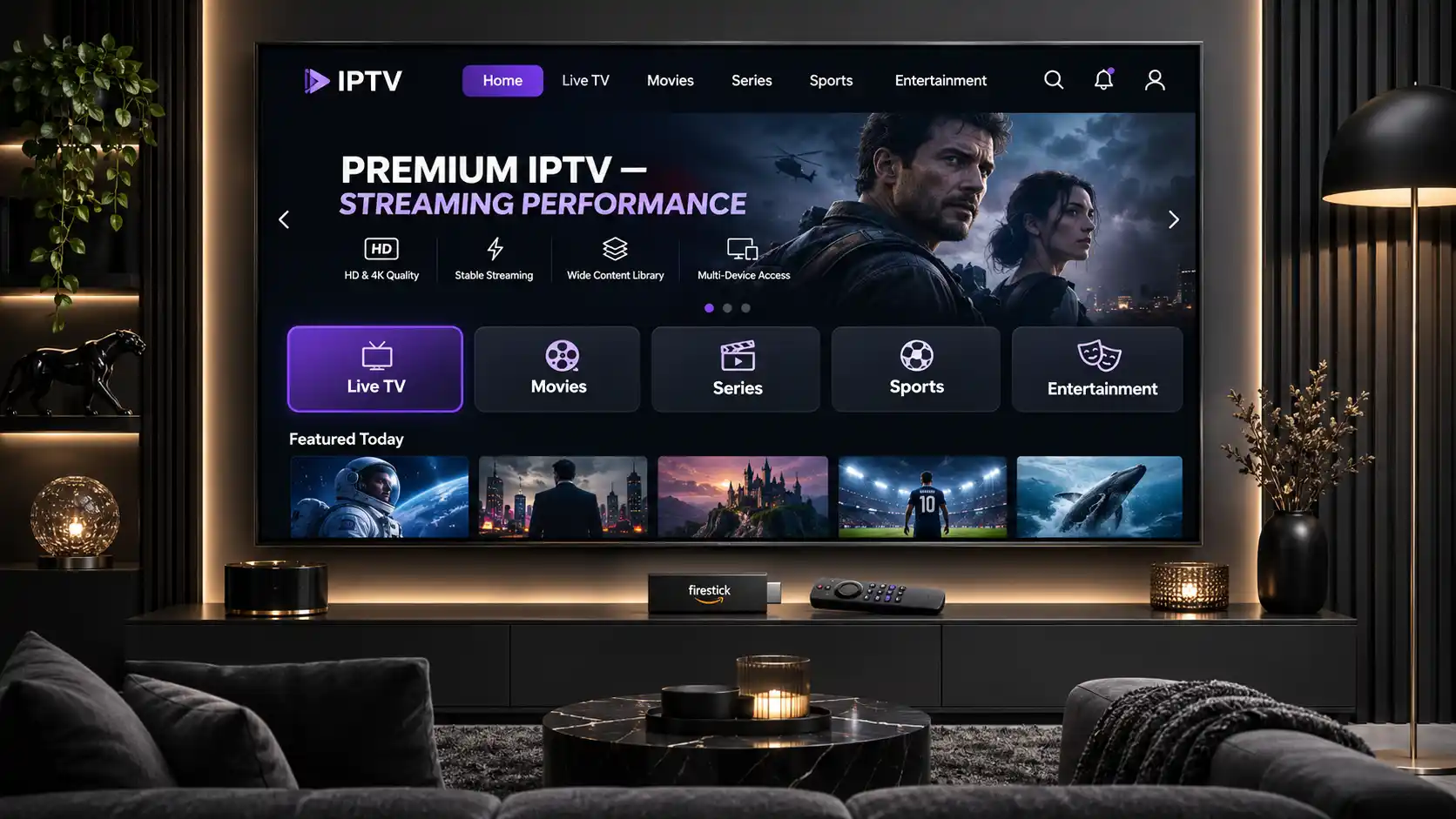
A premium IPTV streaming experience involves much more than the number of television channels offered by a provider. Server responsiveness, playback stability, internet connection quality, device compatibility, application performance, and customer support all influence how comfortably viewers can enjoy internet-based television.
Whether you are watching from the United States, United Kingdom, Ireland, Canada, Australia, New Zealand, South Africa, or another region, understanding these factors can help you choose a streaming setup that fits your needs.
In this guide, we explain what premium IPTV streaming means, how server performance influences playback, why internet speed alone does not guarantee smooth viewing, and how to evaluate IPTV quality before purchasing a longer subscription.
We also explore popular streaming devices, common performance limitations, international viewing considerations, and the IPTVcrowds subscription options available to prospective customers.
The term "premium IPTV" is commonly used to describe a television streaming experience that offers useful features, convenient access, and dependable performance. However, the word "premium" does not represent a universal technical standard.
A high-quality streaming experience should be evaluated through measurable and practical factors rather than advertising claims alone.
Important features to consider include:
Even a technically capable IPTV service can perform poorly on a device with limited memory, outdated applications, or an unstable internet connection.
The best way to evaluate a service is to examine the complete streaming setup.
IPTV servers are part of the infrastructure responsible for delivering television streams and related service data to viewers.
Server performance can influence the time required to start a stream, the consistency of content delivery, and how effectively a service handles demand.
However, the viewing experience also depends on the network path between the service and the customer, the application, and the device receiving the video.
Startup time describes how long a selected stream takes to begin playing after a viewer opens it.
Slow startup may result from server responsiveness, network conditions, application behavior, or the amount of video data buffered before playback begins.
When comparing services, test several available streams rather than relying on one result.
A stream should deliver video data consistently enough for the application to maintain playback.
Even a fast internet connection can experience interruptions when there are temporary delivery problems, network congestion, or fluctuations in available bandwidth.
The most meaningful test is whether playback remains reasonably consistent during normal viewing sessions.
Streaming infrastructure must handle changing audience demand. Busy viewing periods may place additional pressure on servers and network connections.
A provider's capacity planning and delivery architecture can influence performance, but these details are not always publicly available.
For customers, repeated playback tests at different times are more useful than unsupported promises about unlimited server capacity.
The physical location of streaming infrastructure and the network route to a viewer can affect latency and overall connection quality.
Distance alone does not determine performance. Network routing, congestion, delivery architecture, and the viewer's internet provider may also matter.
International customers should test the service from their actual location instead of assuming that performance will be identical in every country.
One of the most common misunderstandings about IPTV is that a faster home internet plan automatically guarantees better streaming.
Internet speed matters, but it is only one component of the experience.
Your connection must receive video data consistently, while the streaming service must deliver the content correctly through a compatible application.
| Factor | What It Means | Effect on Streaming |
|---|---|---|
| Internet Download Speed | How much data your connection can receive over time. | Helps support video playback at the required bitrate. |
| Server Responsiveness | How promptly the service responds to requests. | Can influence stream startup and loading. |
| Network Latency | Time required for network communication. | Can affect responsiveness and some live-streaming behavior. |
| Packet Loss | Data packets lost during transmission. | Can cause stalls or playback problems. |
| Wi-Fi Stability | Consistency of the local wireless connection. | Weak or congested Wi-Fi can interrupt video delivery. |
| Application Performance | How efficiently the player handles video and navigation. | Can affect loading, playback, and usability. |
| Device Performance | Available processing resources, memory, and video decoding support. | Can influence playback smoothness and app stability. |
For example, a viewer may have a fast broadband connection but still experience buffering because the streaming device has weak Wi-Fi reception.
Another viewer may have a stable network but encounter playback interruptions related to the streaming application or delivery source.
This is why testing your entire setup is more useful than looking at internet speed alone.
A practical performance test can help you evaluate a service before purchasing a longer subscription.
The objective is to understand how streaming performs in your home, on your preferred device, and during the hours when you normally watch television.
Run a reputable internet speed test on the same network used by your streaming device.
Check whether the connection is reasonably stable and whether other devices are consuming significant bandwidth.
A speed test measures your connection to the testing service, not necessarily the performance of a particular IPTV server.
Test the service on the device you plan to use most often.
If your main television uses Amazon Firestick, test on that Firestick instead of relying only on results from a high-performance laptop.
Device differences can influence application behavior, playback support, and network reception.
Open several available streams and observe how quickly playback begins.
Look for unusually long loading times or inconsistent results between repeated attempts.
Avoid judging the entire service from a single channel or one short test.
Watch available content for a meaningful period under normal conditions.
Pay attention to buffering, freezing, unexpected playback stops, audio synchronization, and changes in picture quality.
If possible, compare performance at different times of day.
Network demand can change during evenings, weekends, and popular live events.
A service that works well during a quiet period may behave differently when overall network demand increases.
Test the application's categories, search functions, and electronic program guide where available.
Ask customer support a practical question about your device or connection requirements.
The goal is to assess both playback and everyday usability.
Use the following table when comparing your streaming experience.
| What to Test | What to Observe | Why It Matters |
|---|---|---|
| Stream Startup | Does playback begin without an unusually long delay? | Helps assess responsiveness. |
| Playback Stability | Are there repeated buffering or freezing events? | Shows performance during normal use. |
| Picture Quality | Is the available resolution suitable for your screen? | Influences visual clarity. |
| App Navigation | Do menus and categories respond reliably? | Improves everyday usability. |
| Device Compatibility | Does the player work correctly on your device? | Avoids installation and playback issues. |
| Connection Limits | Are simultaneous streams permitted by your plan? | Helps prevent account and usage problems. |
| Customer Support | Can support explain setup and package conditions? | Useful when assistance is needed. |
| Content Authorization | Is the desired content licensed for your territory? | Helps identify responsible viewing options. |
Keep brief notes from your tests so you can compare the results objectively.
Your streaming device plays a significant role in the overall experience. The right choice depends on the available applications, television model, processing capabilities, and network connection.
Amazon Firestick is a convenient option for viewers who want to add compatible streaming applications to a television.
For better performance, keep the operating system updated, maintain adequate free storage, and use a reliable network connection.
Application compatibility varies by device generation and software version.
Read our IPTV Installation Guide for Firestick for more setup information.
Many Smart TVs can run compatible streaming applications without additional hardware.
However, Samsung, LG, and other television brands use different software platforms, which means application availability and supported features can vary.
Before purchasing a subscription, confirm that an appropriate player is available for your specific television.
Explore our Smart TV IPTV Setup Guide.
Android TV and Google TV devices offer flexible app-based streaming options.
Performance depends on the hardware, software version, internet connection, and installed application.
Use trusted app sources and avoid unnecessary background processes when performance is limited.
Android boxes come in many configurations. Processing power, memory, software support, and video decoding capabilities may differ between models.
When selecting a device, prioritize compatibility and ongoing software support instead of relying only on advertised specifications.
Mobile devices and computers can be useful for testing account access, app compatibility, and playback quality.
They also provide flexible viewing options where the service, content rights, and subscription conditions permit.
For households with multiple devices, read our IPTV Multi-Device Streaming Guide.
Picture resolution is another important part of the streaming experience. Higher-resolution video can look clearer on a suitable display, but it generally requires more data and compatible hardware.
Video quality is influenced by resolution, bitrate, compression efficiency, frame rate, and the quality of the original source.
| Video Format | What to Know | What to Check |
|---|---|---|
| SD | Lower-resolution video generally uses less bandwidth. | Useful when connectivity or device capability is limited. |
| HD | Provides clearer pictures than standard definition. | Check the available stream and display compatibility. |
| Full HD | Can provide detailed pictures on compatible screens. | Verify connection stability and playback support. |
| 4K | Higher resolution can improve clarity on suitable displays. | Requires compatible content, hardware, and sufficient bandwidth. |
A provider advertising HD or 4K support does not guarantee that every channel or program is available at that resolution.
Always verify the quality of the specific content included in the selected package.
IPTV is used by viewers across many countries, but international access should not be assumed to work identically everywhere.
Customers in North America, Europe, Oceania, Africa, and other regions may use different internet providers, network technologies, and streaming devices.
The available applications, content rights, and subscription conditions may also differ by location.
Viewers should check their home network, supported devices, and whether the content they want is authorized for their location.
Testing performance through their actual residential internet connection gives more useful results than relying on general advertising claims.
Customers should confirm compatible apps, regional service availability, and applicable content rights.
Even when a provider supports international customers, specific channels or programs may not be licensed for distribution in every country.
For viewers in Australia and New Zealand, network routes and local internet conditions may influence streaming performance.
Testing from the actual viewing location is the best way to understand the experience.
Customers in South Africa, Nigeria, Ghana, the Caribbean, and other international markets should confirm current availability, payment arrangements, application compatibility, and regional content permissions.
Contact support with your country and device details before choosing a subscription.
Streaming interruptions do not always mean a provider's servers are slow.
Problems can originate from several parts of the delivery process.
| Symptom | Possible Explanation | First Check |
|---|---|---|
| Repeated Buffering | Unstable delivery, congestion, or insufficient bandwidth. | Test the network and compare available streams. |
| Slow Stream Startup | Application, server, or network responsiveness. | Retry and compare loading behavior. |
| Application Freezing | Software problems or device resource limitations. | Update the app and check storage. |
| Low Picture Quality | Source quality, bitrate, or adaptive streaming behavior. | Confirm the available quality options. |
| Missing TV Guide | Unavailable or incomplete EPG data. | Refresh the guide and check configuration. |
| Playback Stops on Another Device | Simultaneous connection limits may apply. | Review the selected subscription terms. |
For detailed troubleshooting, visit our How to Fix IPTV Buffering and Freezing guide.
If the electronic program guide is missing, consult IPTV EPG Not Working? How to Fix Missing TV Guide on Firestick.
An IPTV player is software that displays and organizes media made available through a content source or subscription.
The player itself does not automatically provide access to licensed television channels.
Different players support different features, such as playlists, electronic program guides, favorites, search, subtitles, and playback controls.
When choosing an app, consider:
For setup guidance, read our IPTV Smarters Pro Guide.
Before subscribing, compare technical performance with the commercial and legal conditions of the service.
Ask the provider:
Clear answers can help you avoid purchasing a plan that does not meet your requirements.
For additional advice, visit our Guide to Choosing a Reliable IPTV Service and IPTV Channel List Guide.
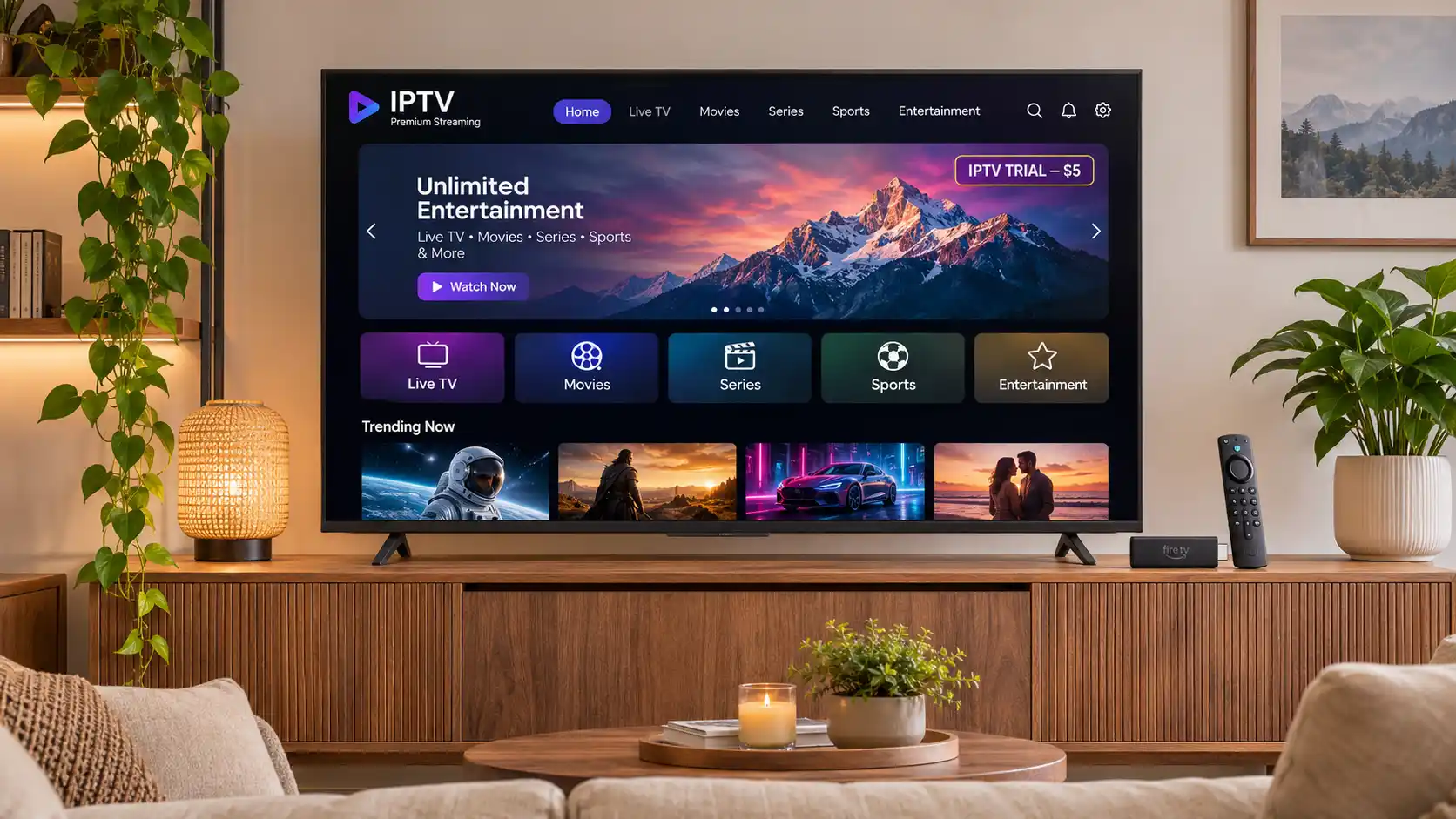
IPTVcrowds currently displays a $5 IPTV trial as an option for customers who want to explore the service before considering a longer subscription.
The trial checkout displays a base price of $5 for one connection. Customers can submit their contact details, country, and device information before receiving order confirmation and payment instructions from the support team.
The trial's exact duration, available content, eligibility, and applicable restrictions should be confirmed before ordering.
A trial can help you evaluate device compatibility, installation, application navigation, playback behavior, and support.
For a complete explanation of the process, read our IPTVcrowds $5 Trial Guide.
You can also view the $5 trial checkout to review the current advertised base price.
Before purchasing a subscription, consider how many people in your household plan to watch at the same time.
One connection generally means one active stream at a time. Additional simultaneous streams may require another connection option or a different plan.
For example, someone who watches on a Smart TV in the evening and uses a smartphone at other times may only need one connection.
A household with two people watching different programs simultaneously may need more than one connection.
Always check the exact limits of the selected plan.
Read our One Connection vs Two Connections IPTV Guide for further details.
IPTV technology itself is legal, but distributing protected movies, television channels, and live sporting events requires the appropriate permissions.
A provider's streaming speed, channel count, or subscription price does not establish whether it has the necessary broadcasting rights.
Before purchasing, verify that the content you intend to access is properly authorized for your region.
For more information, read Is IPTV Legal? Laws, Licensing and Streaming Safety Guide.
IPTVcrowds offers subscription options and setup assistance for customers interested in internet-based television on compatible streaming devices.
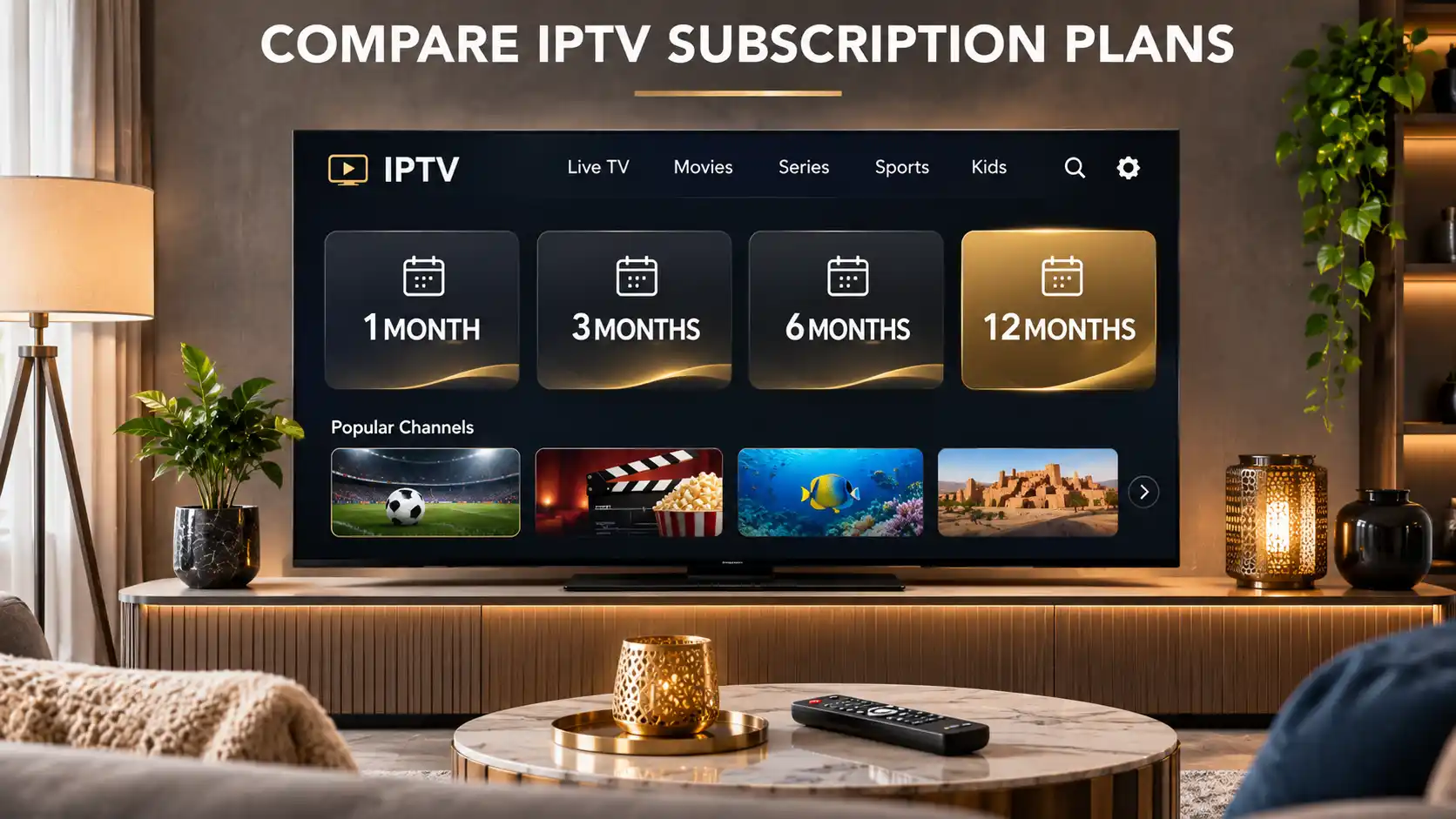
Customers can explore plans of different durations and contact support for help with device compatibility, application configuration, connection options, and available package features.
The service is advertised for devices including Amazon Firestick, Smart TV, Android TV, Android boxes, smartphones, tablets, and computers, subject to compatibility.
When evaluating IPTVcrowds, we recommend checking the same practical factors used to compare any streaming provider:
We encourage customers to confirm current service details before purchasing instead of assuming that advertised performance or content availability is identical for every location and device.
Premium IPTV streaming is a general term for an internet-based television service or setup offering useful features, compatible devices, support, and suitable playback performance. It is not a universal technical certification.
Server performance can influence playback, but no server can eliminate every possible buffering issue. Network conditions, device capabilities, app behavior, and content delivery also matter.
Evaluate stream startup times, playback consistency, and responsiveness on your actual device. Test at different times, and remember that a home internet speed test does not directly measure IPTV server performance.
A fast download connection does not prevent Wi-Fi instability, packet loss, congestion, application problems, or difficulties with the content source.
Compatible IPTV players may work on supported Firestick and Fire TV devices. Application availability and setup requirements depend on the device model, software, and provider.
Many Smart TVs support suitable streaming applications, but compatibility depends on the television operating system, model, and app availability.
Internet-based streaming can be offered internationally, but actual subscription availability, applications, and content rights depend on the provider and territory.
The IPTVcrowds website currently advertises a $5 trial with one connection as the base option. Confirm its duration and terms with the support team before ordering.
You may be able to configure compatible apps on more than one device, but simultaneous streaming depends on the connection limits included in your subscription.
No. Channel and event availability depends on package conditions, geographic restrictions, and the provider's distribution rights. Confirm specific content before purchasing.
A premium IPTV experience depends on several connected factors, including the streaming service, network performance, application, device, subscription conditions, and content permissions.
Fast servers can contribute to responsive delivery, but the most useful way to judge a service is to test how it performs under realistic viewing conditions.
Whether you live in the USA, UK, Ireland, Canada, Australia, New Zealand, South Africa, or another country, choose compatible equipment, verify content rights, and review the provider's terms before subscribing.
If you are comparing IPTVcrowds subscription options, the available trial and customer support channels can help you ask questions before selecting a longer plan.
Looking for an IPTV subscription and assistance with your streaming setup?
Visit IPTVcrowds to explore the currently advertised plans, compatible devices, and general service information.
Our support team can answer questions about setup, device requirements, available content categories, connections, and subscription conditions.
Contact IPTVcrowds:
Before choosing a longer subscription, you can review the IPTVcrowds $5 Trial.
The trial can help you evaluate supported devices, installation, application behavior, and the service features available under the agreed conditions.
The trial duration and content availability should be confirmed directly with support before payment.
These are the advertised base prices for one connection. Additional connection options may affect the final amount.
Before purchasing: Confirm current prices, device compatibility, subscription terms, available content, geographic restrictions, and applicable broadcasting rights with support.
Speak with IPTVcrowds on WhatsApp if you need help selecting a suitable plan.
© IPTVcrowds. All rights reserved.