IPTV EPG Not Working? How to Fix Missing TV Guide on Firestick
Is your IPTV EPG not working on Firestick, Android TV, or another streaming device? A missing TV guide can make it diffi...
Read Article
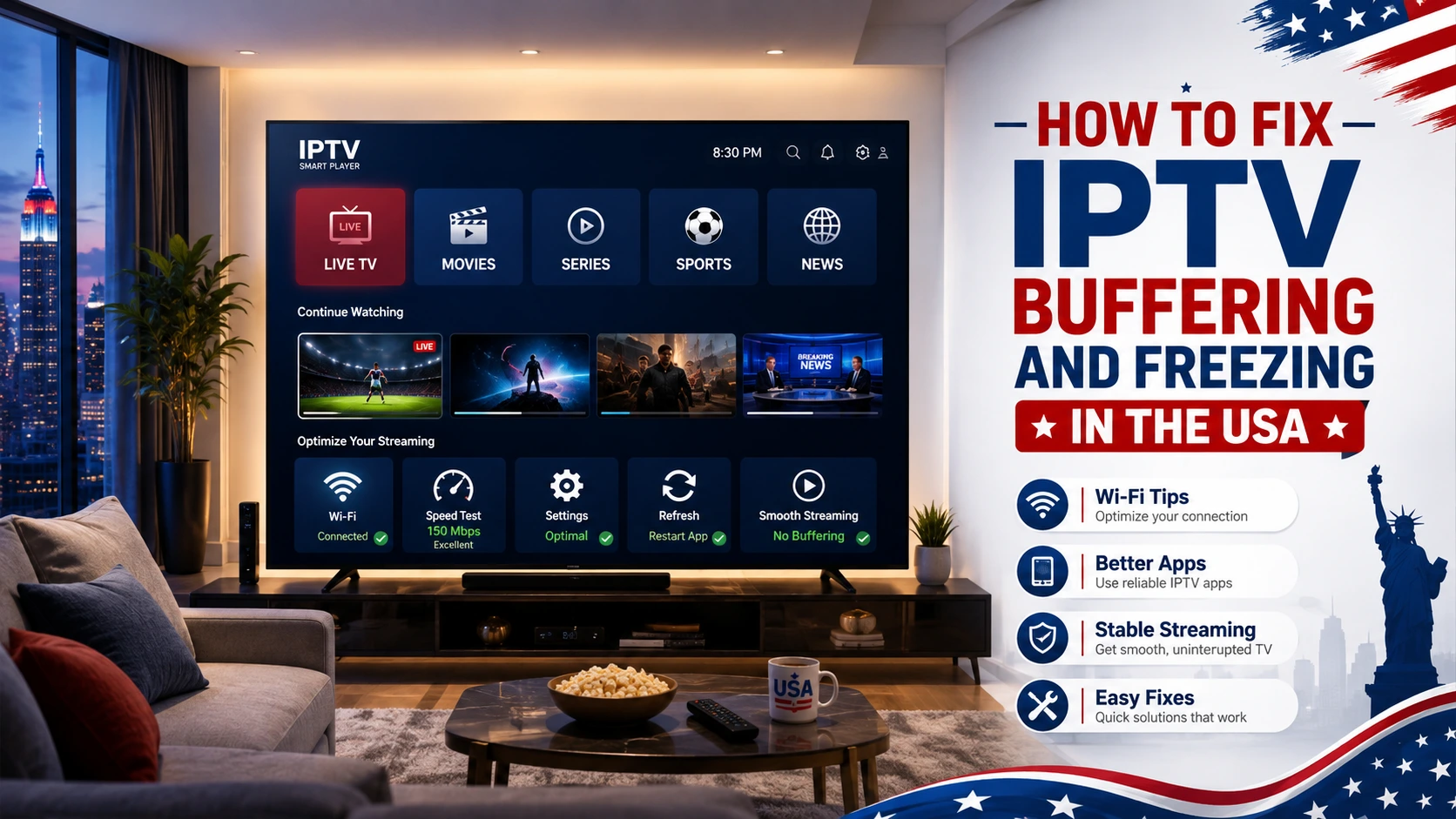
IPTV buffering and freezing can be frustrating, especially when you are watching live TV, sports, movies, series, world news, or international channels. For viewers in the USA, these problems can happen for several reasons, including weak internet, overloaded Wi-Fi, old devices, low storage, app issues, or using more connections than the subscription allows.
With IPTVcrowds, users can enjoy a flexible IPTV setup across compatible devices such as Smart TV, Firestick, Android TV, Android boxes, smartphones, tablets, laptops, and desktop computers depending on device compatibility and the selected subscription plan.
This guide explains how to fix IPTV buffering and freezing in the USA, what causes streaming problems, which settings to check first, how to improve performance on popular devices, and when to contact support for help.
If you are still comparing services, you can also read our guide about how to choose a reliable IPTV service in the USA.
IPTV buffering usually happens because of weak Wi-Fi, unstable internet, low device storage, outdated IPTV apps, incorrect app setup, or using more connections than your plan allows. Start by restarting your router, using 5GHz Wi-Fi or Ethernet, clearing app cache, freeing device storage, and testing the service on another compatible device.
IPTV buffering happens when the video stream cannot load fast enough to play smoothly. Freezing happens when the picture stops, pauses, or becomes stuck during playback. These issues can happen even with a good IPTV service if the device, internet connection, app, or home network is not ready.
The most common causes of IPTV buffering and freezing include:
The best solution is to check each part of your setup step by step instead of assuming the problem comes from only one source.
Start with these quick checks before changing advanced settings. Many IPTV buffering issues can be fixed with simple steps.
| Problem Area | What to Check | Best Fix |
|---|---|---|
| Internet | Slow speed, unstable Wi-Fi, weak signal, or overloaded network | Restart your router, use 5GHz Wi-Fi, or connect with Ethernet when possible. |
| Device | Old device, low storage, or too many background apps | Restart the device, delete unused apps, and free storage space. |
| IPTV App | Outdated app, cache problems, or incorrect settings | Update the app, clear cache, or reinstall the recommended player. |
| Connections | More devices streaming than your plan allows | Use only the number of simultaneous connections included in your plan. |
| Support | Login errors, categories not loading, or repeated freezing | Contact support with your device type, app name, and problem details. |
A stable internet connection is one of the most important parts of IPTV streaming. Live TV, sports, movies, series, and news need a consistent connection to load smoothly.
To improve your internet connection:
A weak connection can cause buffering even when the IPTV service itself is working correctly.
Restarting your device can fix many temporary IPTV problems. Firestick, Smart TV, Android TV, Android boxes, mobile phones, tablets, and laptops can slow down when too many apps are open or when the device has been running for a long time.
Before watching live TV or sports, restart your device and close apps you are not using. This helps free memory and can improve playback stability.
App cache can build up over time and make IPTV apps slower. Clearing cache can help with slow loading, freezing, crashing, or categories not opening correctly.
This is especially useful on Firestick, Android TV, Android boxes, and mobile devices. The exact steps depend on the device and app, but the idea is the same: open app settings, find the IPTV app, and clear cache when the option is available.
For app setup guidance, read our guide about how to use IPTV Smarters Pro with IPTVcrowds in the USA.
Low storage can cause IPTV apps to freeze, crash, or load slowly. This is common on Firestick, Android TV, Android boxes, and older Smart TVs.
To improve device performance:
For Firestick users, read our guide about how to install IPTV on Firestick in 2026 with IPTVcrowds.
The IPTV app or player can affect streaming quality. Some apps work better on Firestick, while others may work better on Smart TV, Android TV, mobile, tablet, or laptop.
A compatible IPTV player should load your subscription details correctly, organize categories clearly, and support smooth playback on your device. The app itself usually does not provide channels by default. It needs valid subscription details from a provider.
Before changing apps, ask support which IPTV player is recommended for your device and subscription setup.
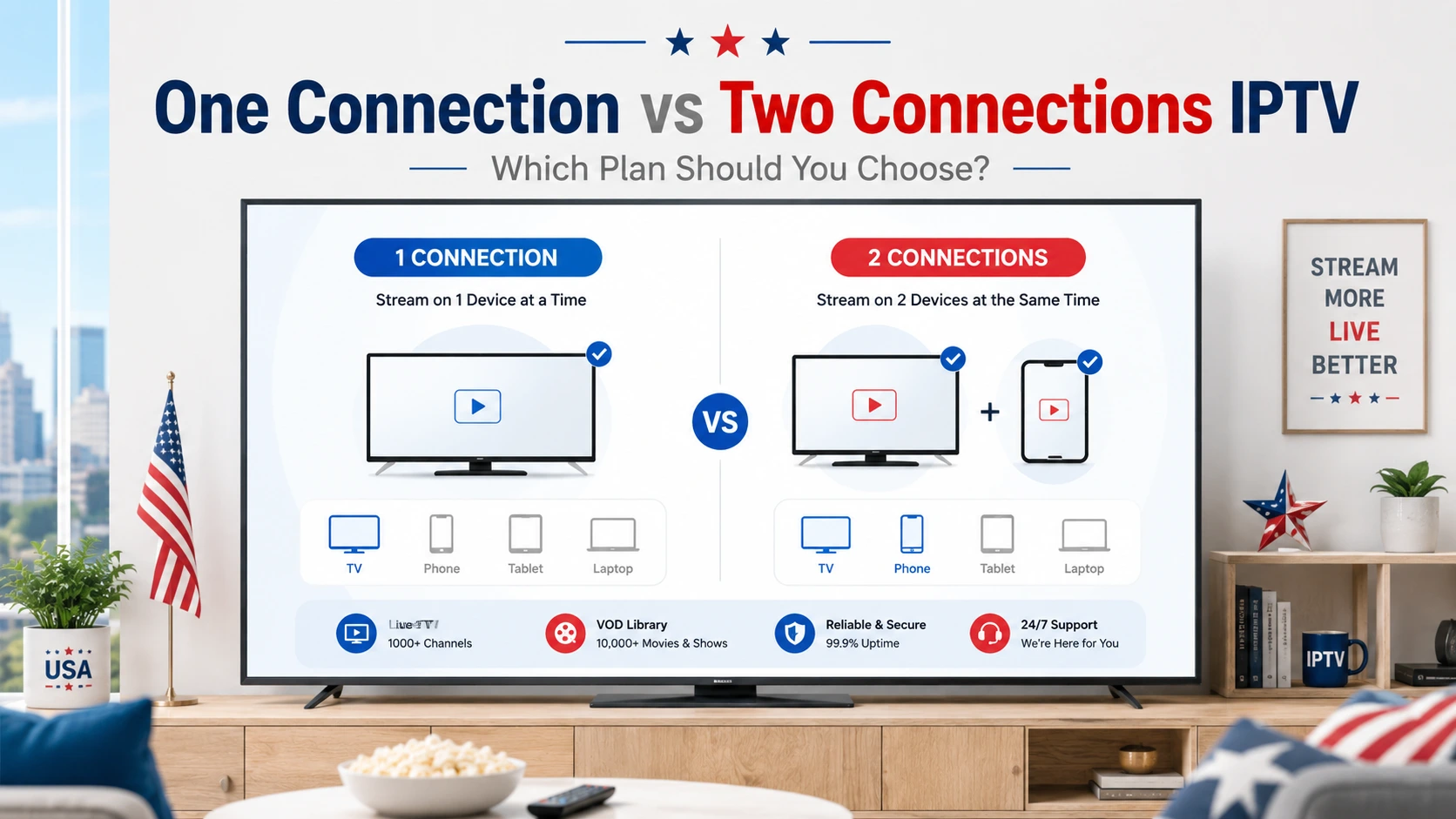
Using more simultaneous connections than your IPTV plan allows can create playback problems. For example, if your plan allows one connection and multiple devices are streaming at the same time, you may experience freezing, login errors, or interrupted playback.
Before watching on multiple devices, confirm how many connections are included in your plan. For households with more than one viewer, a multi-connection option can be more practical.
For more details about using IPTV on different devices, read our IPTV USA multi-device streaming guide.
Different devices may need different fixes. Use the table below to find the most common solution for your device.
| Device | Common Problem | Recommended Fix |
|---|---|---|
| Smart TV | App not loading, slow app store, or limited app support | Update the TV software, restart the TV, or ask support for a compatible app. |
| Firestick | Low storage, weak Wi-Fi, or background apps | Clear cache, delete unused apps, restart Firestick, and use 5GHz Wi-Fi. |
| Android TV / Android Box | App cache, outdated player, or overloaded device | Update the app, clear cache, restart the device, and close background apps. |
| Mobile / Tablet | Weak Wi-Fi or mobile data instability | Use a stable connection and close apps running in the background. |
| Laptop / Desktop | Browser, player, or network issue | Restart the browser or player, check internet stability, and contact support if needed. |
For Smart TV users, read our guide about the best IPTV for Smart TV in USA.
Smart TV buffering can happen because of weak Wi-Fi, limited app support, old TV software, or slow device performance. Start by restarting the TV and router. Then check whether the app is updated and whether your TV has a stable internet connection.
If your Smart TV is old or the app is not stable, support may recommend using another compatible device such as Firestick, Android TV, Android box, mobile, tablet, or laptop.
Firestick buffering is often caused by low storage, weak Wi-Fi, too many background apps, or old app cache. Delete unused apps, clear cache, restart the device, and use 5GHz Wi-Fi when possible.
Firestick users should also avoid overloading the device with too many apps. A cleaner Firestick setup can improve IPTV performance.
Android TV and Android boxes can work well for IPTV, but performance depends on device quality, app compatibility, storage, and internet stability. Clear app cache, update the IPTV player, restart the device, and make sure the device has enough free storage.
For Android users, read our guide about how to stream USA channels on Android with IPTVcrowds.
Many users think buffering always comes from the IPTV provider, but that is not always true. Streaming quality depends on the full setup, including the home network, router, device, app, and number of active connections.
Buffering may come from:
That is why it is important to test the same IPTV subscription on another device or another internet connection when possible.
If you already checked your internet, restarted your device, cleared cache, updated the app, and confirmed your connection limit, but the issue continues, contact support.
To get faster help, send:
Clear information helps support understand the issue faster and guide you to the right solution.
IPTVcrowds can be a practical option for viewers in the USA who want a flexible IPTV setup with device guidance, support, and fast servers designed to support smoother streaming.
IPTVcrowds focuses on:
For more details about streaming stability, read our guide about premium IPTV with fast servers in the USA.
Testing IPTV before choosing a longer subscription can help users confirm device compatibility, app performance, streaming quality, and support response.
During a trial or short test option, check your main device, internet connection, app setup, live TV categories, movies, series, news, sports, and support quality if included in the selected package.
For more details, read our guide about how to get a free trial IPTV USA with IPTVcrowds.
Users should always choose services and content sources that respect applicable laws, broadcasting rights, and content ownership. IPTV technology itself can be legal, but content access must be responsible and properly authorized.
Be careful with providers that make unrealistic promises, hide their identity, provide no support, or give unclear refund conditions. A professional provider should be transparent about setup, support, service use, and package details.
For more details, read our guide: Is IPTV Legal? What You Need to Know Before Subscribing.
IPTV buffering and freezing can happen for many reasons. In many cases, the problem can be improved by checking the internet connection, restarting the device, clearing app cache, freeing storage space, updating the IPTV player, and using the correct number of connections.
For viewers in the USA, the best IPTV experience depends on the full setup: stable internet, compatible device, recommended app, clear subscription details, responsible use, and good support.
At IPTVcrowds, we are here to help users in the USA build a simple and reliable IPTV setup. Whether you want live TV, sports, movies, series, news, kids content, or international channels, our goal is to make IPTV setup easier and clearer.
For IPTV buffering help, setup support, device compatibility questions, trial availability, or subscription details, feel free to reach out to us on WhatsApp or email us at happitv049@gmail.com.
Visit our website for more details: iptvcrowds.com.
© IPTVcrowds. All rights reserved.