IPTV EPG Not Working? How to Fix Missing TV Guide on Firestick
Is your IPTV EPG not working on Firestick, Android TV, or another streaming device? A missing TV guide can make it diffi...
Read Article
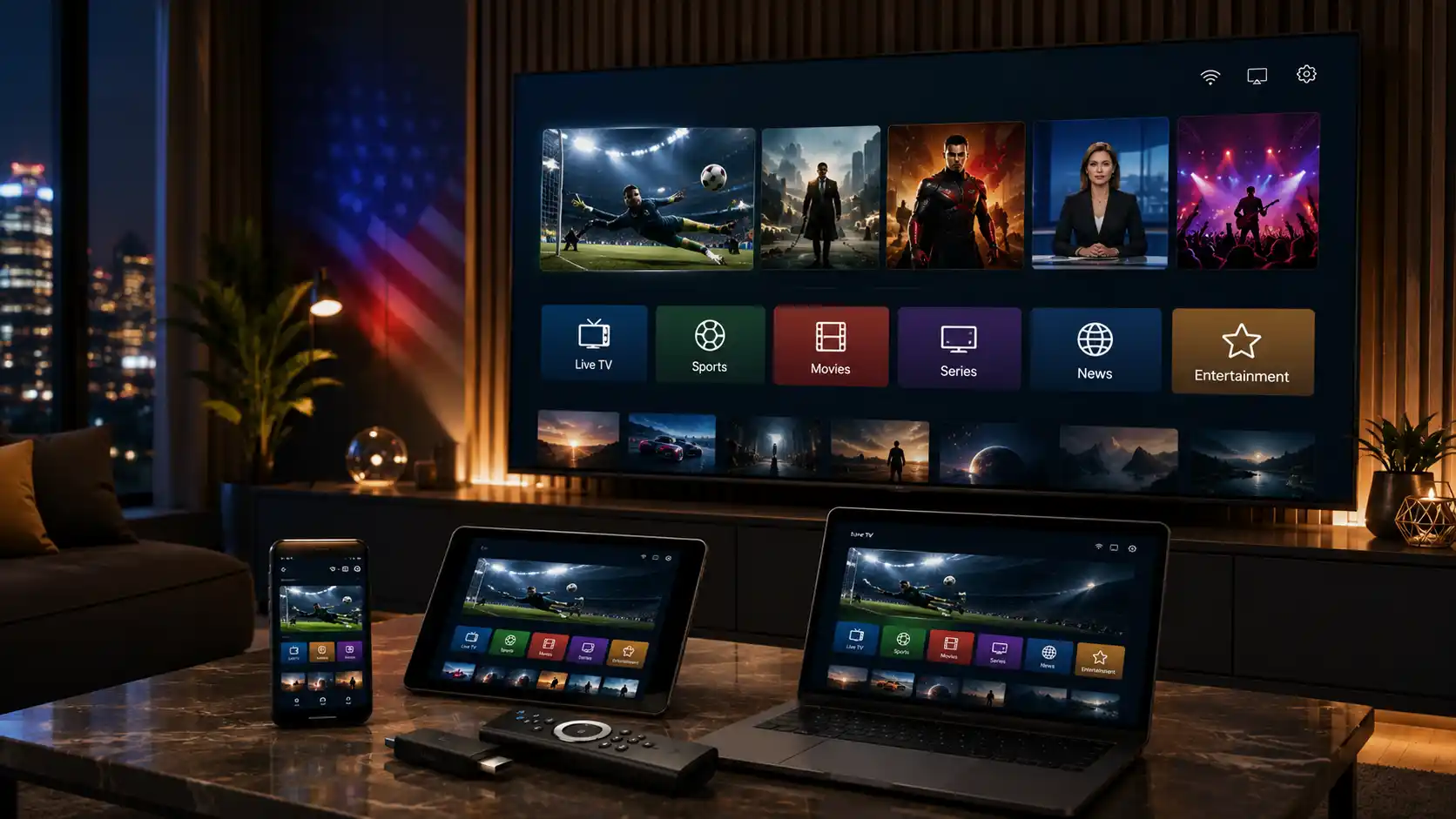
IPTV, short for Internet Protocol Television, is a way to watch TV content through an internet connection instead of a traditional cable line or satellite dish. With IPTV, live channels, movies, series, sports, news, and on-demand content can be delivered to compatible devices such as Firestick, Android TV, Smart TV, mobile phones, tablets, laptops, and desktop computers.
For many viewers in the United States, IPTV is attractive because it offers flexibility. Instead of being tied to one cable box in one room, users can often watch through a compatible app or IPTV player on the device they already use. The experience depends on several factors, including internet speed, device performance, app compatibility, server stability, support quality, and whether the content is properly authorized or licensed.
This IPTV USA guide explains how IPTV works, how it compares with cable and regular streaming apps, what to check before choosing a service, how to reduce buffering, and how to test IPTV before subscribing.
IPTV works by sending video content through internet data instead of traditional broadcast signals. When you open a compatible IPTV app, the app connects to your subscription details and loads the available live TV categories, video-on-demand sections, TV guide information, or other features supported by the service.
In the United States, IPTV can be used in different ways. Some legal streaming platforms use internet-based delivery for live TV and on-demand programming. Other IPTV services may offer subscriptions through compatible IPTV apps or players, but it is important to choose a service that presents its offer clearly and respects broadcasting rights, content ownership, and licensing rules.
IPTV technology itself is not the problem. The important question is whether the service has proper rights or licenses for the content it provides. Before subscribing, always choose a provider that gives clear information about setup, supported devices, content availability, support, and service terms.
IPTV, cable TV, and regular streaming apps all deliver entertainment, but they do not work the same way. Cable TV usually requires a local provider, a physical connection, and often a set-top box. Regular streaming apps usually focus on their own catalog of movies, shows, originals, or live channels. IPTV can offer a TV-style experience through the internet across several devices.
| Option | How It Works | Best For | Limitations |
|---|---|---|---|
| Traditional Cable | TV content delivered through a cable provider and cable box. | Users who want a familiar TV package with local provider support. | Less flexible and often tied to equipment, contracts, or location. |
| Regular Streaming Apps | Content delivered through official apps with specific libraries. | Movies, series, originals, and on-demand viewing. | Content may be split across several apps and subscriptions. |
| IPTV | TV-style content delivered through the internet using compatible apps or players. | Viewers who want access on Firestick, Smart TV, Android TV, mobile, tablet, or computer. | Quality depends on service reliability, internet speed, device setup, support, and licensed content availability. |
IPTV can be useful for users who want flexible access to TV-style content without depending only on a traditional cable box. It can be especially practical for people who use several devices at home or want one setup that works on different screens.
However, IPTV is not the right choice for everyone. If you only watch one official app or one specific platform, a regular streaming app may be enough. If you want a broader TV-style experience across multiple devices, IPTV may be worth comparing.
One of the main advantages of IPTV is device flexibility. You do not always need a special IPTV box. In many cases, you can use a device you already own, as long as it supports a compatible IPTV player or app.
Amazon Firestick and Fire TV devices are popular for IPTV because they are portable, easy to connect, and widely used in American homes. A Firestick can work well when the device has enough free storage, a stable Wi-Fi connection, and a compatible IPTV player.
If you use Firestick, make sure the app is installed correctly, your login details are accurate, and your device is not overloaded with unused apps. For a complete setup tutorial, you can also read the IPTVcrowds guide about how to install IPTV on Firestick.
Android TV devices and Android boxes are also common choices for IPTV. They usually support many IPTV players and can offer strong performance when the hardware is modern, updated, and connected to a stable internet connection.
If an Android box is old or full of unused apps, IPTV may buffer, freeze, or load slowly. Restarting the device, clearing storage, updating the app, or testing another supported IPTV player can help improve performance.
Many Smart TVs can run IPTV apps directly, depending on the TV brand, operating system, and app store availability. Some Smart TVs make IPTV setup simple, while others may have fewer available apps.
If your Smart TV does not support the recommended IPTV app, using a Firestick or Android TV device may be easier than trying to force an unsupported setup.
IPTV can also work on iPhone, iPad, Android phones, Android tablets, Windows computers, Mac devices, and laptops. These devices are useful if you want to test a service before setting it up on your main TV.
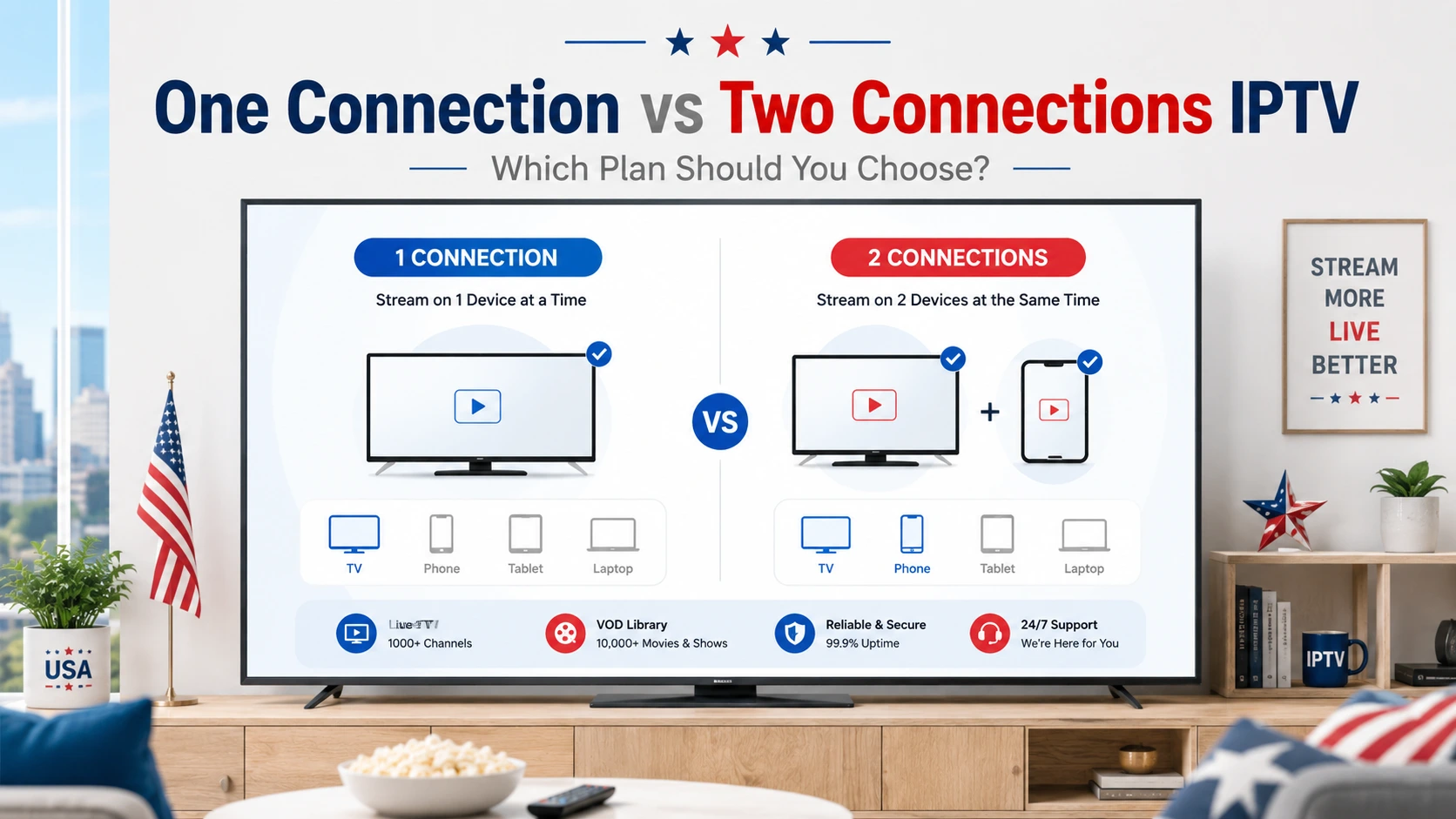
Before using IPTV on several devices, always ask support whether your subscription allows multi-device use and whether simultaneous streaming is included in your current plan.
Choosing an IPTV service should not be based only on price or the biggest channel claim. A reliable IPTV service should be easy to understand, compatible with your devices, supported by a real team, and transparent about setup, current plan details, and service conditions.
The most important point is legality. IPTV technology itself is legal, but the service must have the proper rights or licenses to distribute the content it offers. Always choose services that respect broadcasting rights, content ownership, and authorized access.
Before you pay, confirm that the service works on your device. A professional IPTV provider should clearly explain whether it supports Firestick, Android TV, Smart TV, mobile, tablet, Windows, Mac, or other compatible devices.
A good IPTV service should explain how you will receive your subscription details, which app you need, and how support can help you activate the service. If the setup process is confusing before you buy, it may become even more frustrating after payment.
Support matters because IPTV users often need help with app setup, login details, buffering, TV guide data, or device changes. Before choosing a long subscription, contact support and see how clearly they answer your questions.
If a trial is available, use it before choosing a longer plan. A trial helps you check device compatibility, loading speed, picture quality, category organization, support response, and whether the service fits your needs. You should also confirm the current refund policy and eligibility conditions before subscribing.
Not every IPTV offer is reliable. Some services use aggressive promises that sound attractive but may create problems later. Be careful before subscribing if you see unclear information, unrealistic claims, or no real support.
A professional IPTV provider should help you understand what is included, what device you can use, how setup works, and what to do if you need help.
Buffering is one of the most common IPTV problems. It does not always mean the IPTV service is bad. Buffering can be caused by slow internet, weak Wi-Fi, too many connected devices, an overloaded app, an old Firestick, limited device storage, server issues, or temporary routing problems.
Higher resolution usually requires a stronger and more stable connection. HD needs less bandwidth than 4K. If several people in the same home are streaming, gaming, or downloading at the same time, you may need more speed than the minimum requirement for one device.
| Viewing Quality | Connection Guidance | Important Notes |
|---|---|---|
| SD | Works with lower speeds, but stability still matters. | Good for smaller screens or slower connections. |
| HD | Needs a stable broadband connection. | Performance can drop if Wi-Fi is weak or many devices are active. |
| Full HD / 1080p | Needs stronger and more consistent bandwidth than basic HD. | A wired connection or strong Wi-Fi can improve stability. |
| 4K | Requires a faster connection, a compatible device, and a source that supports 4K. | Not every channel, app, device, or plan supports 4K. |
To reduce buffering, restart your router, move your streaming device closer to the Wi-Fi router, close unused apps, clear storage on your device, test another supported IPTV player, and contact support if the issue continues.
Testing a service before choosing a long plan is one of the smartest steps you can take. During the test, do not only check whether the channel list loads. Watch real content on the device you plan to use every day.
Before ordering any IPTV subscription, ask support clear questions. This helps you avoid choosing the wrong plan or using an app that is not compatible with your device.
IPTV can be a practical option for viewers who want flexibility, multi-device access, and a TV-style experience through the internet. It can be especially useful for people who watch live TV, sports, movies, series, news, and international content on different devices.
However, IPTV also has limits. It depends heavily on internet stability, device performance, app compatibility, and the quality of the provider’s support. It should also be used only with services that respect content rights and proper licensing. A low price alone should never be the only reason to choose a provider.
IPTVcrowds is designed for users who want IPTV access on popular devices such as Firestick, Android TV, Smart TV, mobile devices, tablets, and computers. The service can be useful if you want setup support and flexible subscription options for your preferred device.
Before subscribing, confirm the current plan details, supported apps, content availability, refund conditions, and setup process with IPTVcrowds support. This helps you choose the option that fits your device, internet connection, and viewing habits.
IPTV technology is legal, but the legality of a service depends on whether it has the rights or licenses to distribute the content it offers. Always choose services that respect broadcasting rights, content ownership, and authorized access.
Yes, IPTV can work on Firestick when you use a compatible IPTV player and valid subscription details. Performance depends on the app, device storage, Wi-Fi strength, and service reliability.
Yes, many Smart TVs support IPTV apps, but compatibility depends on the TV brand and app store. If your TV does not support the app you need, a Firestick or Android TV device may be easier.
The required speed depends on the resolution, device, app, and number of people using your home network. HD needs less bandwidth than 4K, and a stable connection is often more important than speed alone.
Common causes include weak Wi-Fi, slow internet, too many connected devices, old hardware, limited storage, app issues, server load, or temporary network problems.
Yes. A trial helps you check device compatibility, stream stability, content organization, support response, and whether the service fits your needs.
Ask about compatible devices, setup steps, supported apps, refund conditions, trial details, content availability, and how quickly support can help if you have a problem.
It depends on your subscription plan and service rules. Always ask support whether multi-device use or simultaneous streaming is included before subscribing.
IPTV in the USA can be a flexible way to watch TV-style content through the internet, but choosing the right service matters. Focus on legal access, device compatibility, support quality, connection stability, and the ability to test before committing.
If you are ready to compare options, review the IPTVcrowds subscription plans and choose the plan that fits your needs. If you still have questions, contact IPTVcrowds support before ordering so they can guide you through compatibility, setup, and trial details.
At IPTVcrowds, we are here to help you make the most of your IPTV experience. For more information or if you have any questions, feel free to reach out to us on WhatsApp or email us at happitv049@gmail.com.
Visit our website for more details: iptvcrowds.
© IPTVcrowds. All rights reserved.