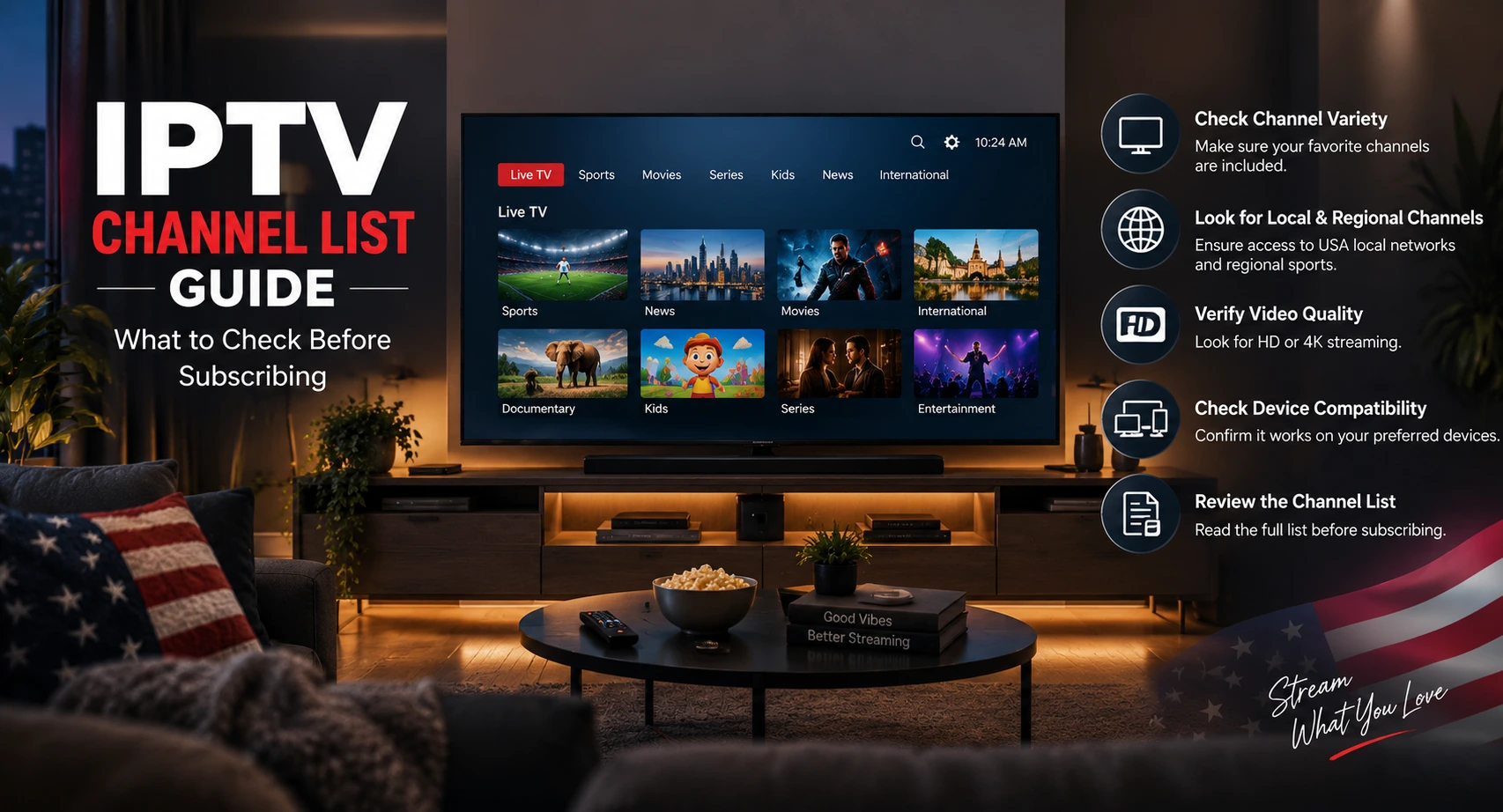
IPTV Channel List Guide: What to Check Before Subscribing
Choosing the right IPTV subscription in the USA is not only about finding a long channel list. Before subscribing, viewe...
Read Article
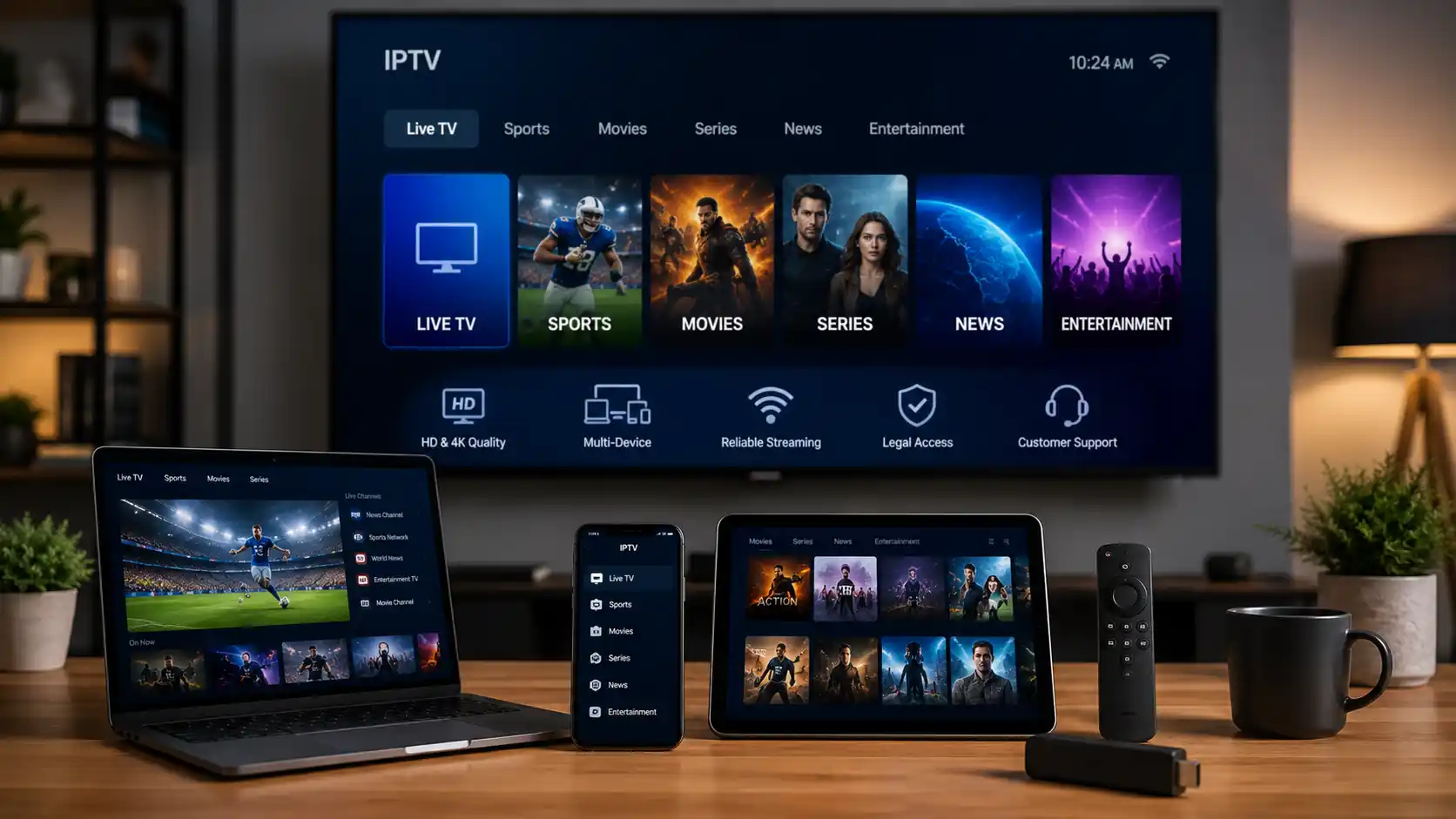
For viewers in the USA, one of the biggest advantages of IPTVcrowds is flexibility across different devices. Instead of being limited to one screen, users can enjoy their IPTV experience on Firestick, Android TV, Smart TV, Android boxes, smartphones, tablets, laptops, and desktop computers depending on device compatibility and the plan selected.
This guide focuses on how IPTV works across multiple devices, what you should check before subscribing, how to improve streaming stability, and how to choose the best setup for your home or personal viewing habits.
If you are still comparing providers, you can also read our guide about how to choose a reliable IPTV service in the USA.
Many users in the USA do not watch entertainment on only one device anymore. A family may use a Smart TV in the living room, a Firestick in another room, a tablet for travel, and a smartphone for quick access. A flexible IPTV setup makes it easier to watch live TV, sports, movies, series, news, and international channels on the screen that fits your situation.
Before choosing a subscription, it is important to confirm which devices are supported, how many connections are included, whether simultaneous streaming is allowed, and which IPTV apps or players are recommended.
Different devices can provide different experiences. Some are easier for beginners, while others offer more flexibility for advanced users. The best choice depends on your TV setup, internet connection, app compatibility, and viewing habits.
Firestick and Fire TV devices are popular choices for IPTV users in the USA because they are easy to connect to a TV, simple to use, and compatible with many IPTV apps. They are a good option for users who want a clean TV setup without complicated equipment.
For the best experience, make sure your Firestick has enough free storage, a stable Wi-Fi signal, and the correct IPTV app installed. For a full step-by-step setup, read our guide about how to install IPTV on Firestick in 2026.
Android TV devices and Android boxes are strong options for users who want more flexibility. They usually support many IPTV players and can work well for live channels, movies, series, and sports when the device is powerful enough and connected to stable internet.
If your Android box is old or overloaded with apps, streaming may buffer or freeze. Restarting the device, clearing storage, updating the app, or testing another supported player can often improve the viewing experience.
Many Smart TVs can run IPTV apps directly. This can be convenient because you may not need an extra device. However, compatibility depends on the TV brand, operating system, and app store.
If your Smart TV does not support the app recommended by your IPTV provider, using a Firestick or Android TV device may be easier than trying to force an unsupported setup.
Smartphones and tablets are useful when you want flexible access away from your main TV. They can also help you test the service before setting it up on a larger screen.
Before using IPTV outside your home, always check the service terms and make sure your intended use is allowed. IPTV should not be used to bypass licensing rules, broadcasting rights, or technical restrictions.
Laptops and desktop computers can be practical for users who prefer watching on a browser or compatible media player. They are also useful for testing login details, checking account access, or watching while working from a desk.
Before choosing an IPTV subscription, confirm the basics. A reliable service should be able to explain which devices are supported and which apps are recommended.
Do not choose a service only because it claims to offer many channels. Device compatibility, support quality, legal access, and streaming stability are more important for a reliable long-term experience.
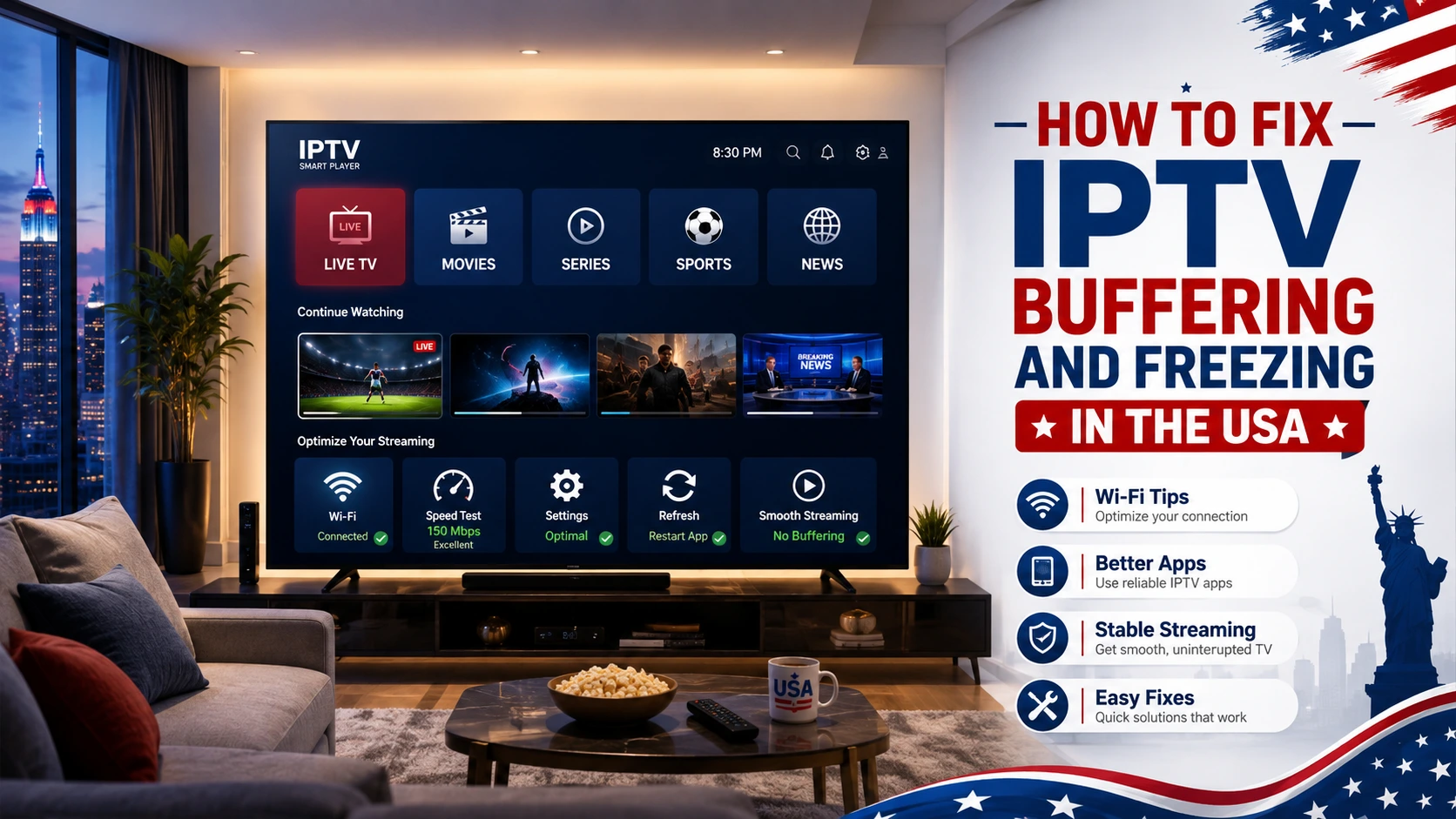
Internet speed matters, but stability matters even more. A connection can look fast in a speed test and still perform poorly if Wi-Fi is weak, the router is far from the device, or too many people are streaming at the same time.
| Streaming Quality | General Connection Guidance | What to Check |
|---|---|---|
| SD | Can work on lower speeds. | Useful for smaller screens or slower connections. |
| HD | Needs a stable broadband connection. | Weak Wi-Fi can still cause buffering. |
| Full HD / 1080p | Needs stronger and more consistent bandwidth. | Works better with strong Wi-Fi or a wired connection. |
| 4K | Requires faster internet, a compatible device, and a 4K source. | Not every app, stream, plan, or device supports 4K. |
For a better IPTV experience, use a stable internet connection, avoid weak Wi-Fi zones, keep your streaming device updated, and close unused apps that may slow down your device.
IPTV, cable TV, and regular streaming apps all deliver entertainment, but they do not work the same way. Cable TV usually requires a local provider, a physical connection, and often a set-top box. Regular streaming apps usually focus on their own catalog of movies, shows, originals, or live channels. IPTV can offer a TV-style experience through the internet across several devices.
| Option | How It Works | Best For | Limitations |
|---|---|---|---|
| Traditional Cable | TV content delivered through a cable provider and cable box. | Users who want a familiar TV package with local provider support. | Less flexible and often tied to equipment, contracts, or location. |
| Regular Streaming Apps | Content delivered through official apps with specific libraries. | Movies, series, originals, and on-demand viewing. | Content may be split across several apps and subscriptions. |
| IPTV | TV-style content delivered through the internet using compatible apps or players. | Viewers who want access on Firestick, Smart TV, Android TV, mobile, tablet, or computer. | Quality depends on service reliability, internet speed, device setup, support, and licensed content availability. |
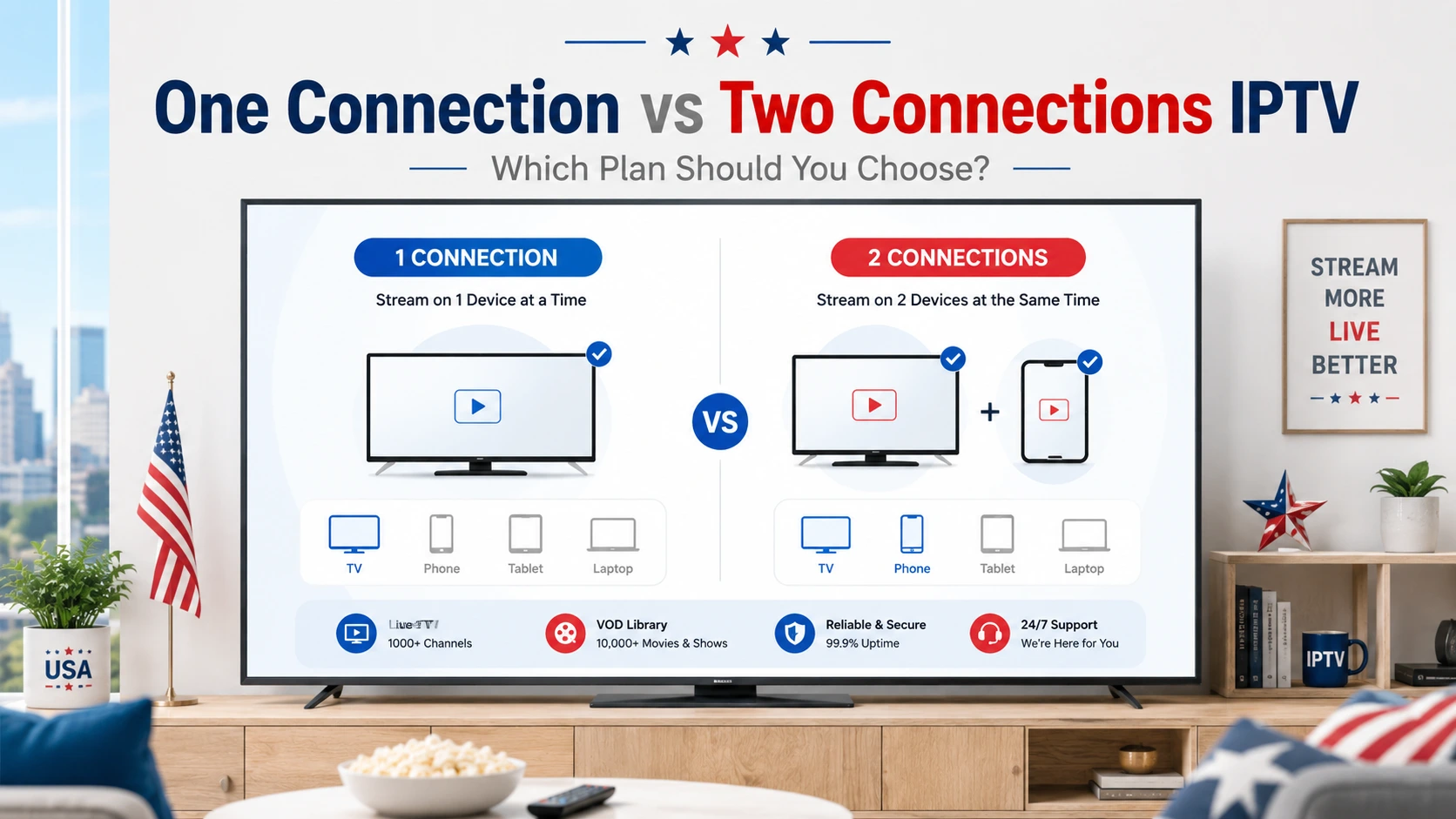
Multi-device support does not always mean unlimited streaming. Some IPTV plans allow one connection only, while others may support more than one device or simultaneous use. Before choosing a plan, ask support exactly what is included.
This helps avoid confusion after purchase and makes it easier to choose the right subscription for your home.
A multi-device IPTV setup is useful because viewers often watch different types of content on different screens. For example, live soccer may be better on a large Smart TV, while news or series can be easier to follow on a tablet or laptop.
If you are interested in soccer and international football, you can also read our guide about IPTV for live soccer in the USA.
Device compatibility is important, but legality is also important. IPTV technology itself is legal, but services must have the proper rights or licenses to distribute the content they offer.
A professional IPTV service should present its offer clearly and avoid suspicious claims. Be careful with services that promise unrealistic access, hide their identity, provide no support, or give unclear refund conditions.
For more details, read our guide: Is IPTV Legal? What You Need to Know Before Subscribing.
Testing the service before choosing a longer subscription can help you avoid problems. During a trial, use the same device and internet connection you plan to use every day.
If IPTVcrowds offers a trial for your device, confirm the current trial details with support before ordering.
Most IPTV issues are related to device setup, Wi-Fi strength, app compatibility, or incorrect login details. If something does not work, start with simple checks before assuming the service is the problem.
IPTVcrowds can be useful for viewers who want IPTV access on popular devices such as Firestick, Android TV, Smart TV, mobile devices, tablets, and laptops. The service is especially relevant if you want setup guidance and flexible subscription options.
Before subscribing, confirm supported devices, current plan details, content availability, refund conditions, and setup support. This helps you choose the option that matches your device, connection, and viewing habits.
A multi-device IPTV setup can give viewers in the USA more flexibility, but the best experience depends on choosing the right device, stable internet, clear support, and a subscription that matches your needs.
Before choosing a plan, check your main device, test your connection, ask about simultaneous use, and confirm that support can help with setup. This will help you enjoy IPTVcrowds across Firestick, Smart TV, Android TV, mobile, tablet, and laptop with fewer problems.
At IPTVcrowds, we are here to help you choose an IPTV subscription that works with your device, internet connection, and viewing needs. Whether you use Firestick, Smart TV, Android TV, mobile, tablet, or laptop, our goal is to make IPTV setup simple for users in the USA.
For more information, setup help, device compatibility questions, or subscription details, feel free to reach out to us on WhatsApp or email us at happitv049@gmail.com.
Visit our website for more details: iptvcrowds.com.
© IPTVcrowds. All rights reserved.