Free IPTV Trial: How to Test IPTVcrowds Before Subscribing
Looking for a free IPTV trial before choosing a streaming subscription? Testing a service first can help you understand ...
Read Article
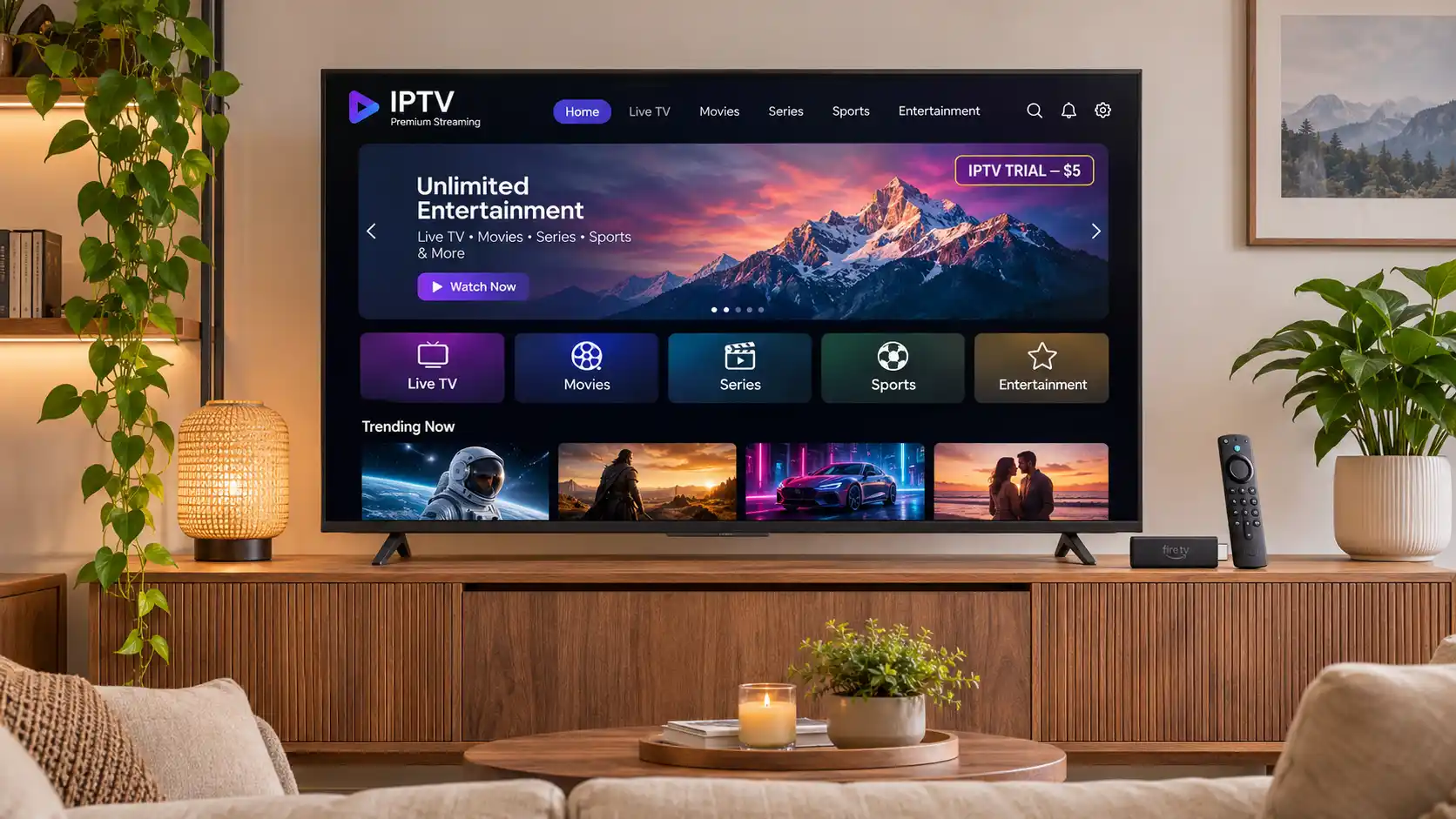
Thinking about trying IPTV before committing to a longer subscription? An IPTV trial can help you evaluate streaming quality, device compatibility, app performance, and customer support before making a bigger purchase.
With the IPTVcrowds $5 IPTV trial, you can explore the available service features and check how the setup works with your preferred streaming device, subject to trial availability and conditions.
Whether you live in the United States, United Kingdom, Ireland, Canada, Australia, New Zealand, South Africa, or another supported region, understanding what to test before subscribing can help you make a more informed decision.
In this guide, we explain how to request your IPTVcrowds trial, which devices to test, how to evaluate streaming performance, what to ask customer support, and how to choose an appropriate subscription afterward.
Ready to explore the trial? View the IPTVcrowds $5 Trial.
An IPTV trial is a limited testing option that allows customers to evaluate an internet-based television service before purchasing a longer subscription.
IPTV, or Internet Protocol Television, delivers television programming through internet-based networks. The viewing experience depends on several factors, including the streaming device, compatible application, internet connection, and available content.
A trial gives you an opportunity to assess these factors in your own environment instead of relying only on promotional descriptions.
For example, you can check whether your preferred IPTV player works correctly on your television, whether the application is easy to navigate, and whether playback performance is suitable for your connection.
To learn more about the technology, read our What Is IPTV? Complete Beginner's Guide.
The currently advertised IPTVcrowds trial has a base price of $5.00 for one connection.
The trial checkout allows customers to review their order, provide contact details, specify their device, and continue with the support team for confirmation.
The standard one-connection trial price shown on the order page is $5.00. If you select additional connection options, check the updated total before proceeding.
Important: The exact trial duration, available content, eligibility, and any restrictions should be confirmed with IPTVcrowds support before ordering.
Check the $5 IPTV Trial Offer.
Starting the IPTVcrowds trial involves a short ordering process followed by confirmation from the support team.
Visit the IPTVcrowds Trial Checkout to review the selected plan and displayed price.
Complete the required information, including your name, email address, WhatsApp number, and country.
Make sure your contact details are accurate so the support team can contact you about the order.
Choose the device you plan to use, such as Amazon Firestick, Smart TV, Android TV, Android box, smartphone, tablet, or computer, depending on the options available.
Selecting the correct device helps support identify an appropriate setup method.
The standard trial selection shows one connection. Confirm whether this meets your testing needs before proceeding.
If you need multiple simultaneous connections, ask about availability and applicable pricing.
After reviewing your order details, follow the available WhatsApp or email option to contact the IPTVcrowds team.
The checkout does not require immediate online payment on that page. The support team confirms availability and provides payment instructions or a payment link directly.
Before completing payment, confirm the trial duration, available features, device requirements, content access, and any restrictions.
Once the order is confirmed and the appropriate access information has been provided, follow the setup instructions for your compatible device.
Use your trial period to evaluate the service under realistic viewing conditions.
Every household has a different streaming environment. A service may perform differently depending on the television, device model, application, Wi-Fi connection, and number of active streams.
Testing before subscribing helps you evaluate whether the available setup meets your expectations.
A trial is especially useful for viewers who are unfamiliar with IPTV applications or are moving from one streaming device to another.
The best device for an IPTV trial is usually the one you intend to use regularly after subscribing.
Amazon Firestick is a convenient streaming device for people who want to use compatible television applications on a larger screen.
During your trial, check whether the recommended player can be installed, whether login details work, and whether navigation and playback perform satisfactorily.
You should also verify Wi-Fi strength, available storage, and app compatibility.
For further guidance, read How to Install IPTV on Firestick in 2026.
Many Smart TVs support compatible IPTV players, but application availability varies by brand, operating system, model, and country.
Samsung and LG televisions do not necessarily support the same applications.
Before starting your trial, confirm which player works with your television and whether additional hardware is required.
Explore our Smart TV IPTV Setup and Streaming Guide.
Android TV and compatible Android boxes offer flexible streaming setups through supported applications.
During the trial, check app stability, login performance, playback controls, and the organization of available categories.
Install applications from trusted sources and confirm compatibility with your particular device.
Mobile phones and tablets can be useful for evaluating the service before completing a television setup.
Check whether the supported player operates correctly on your device and whether the viewing experience is convenient for your needs.
Computers may support suitable IPTV players or other authorized viewing methods depending on the provider's setup options.
Confirm the software requirements and available connection methods with support.
A successful trial involves more than opening one stream for a few seconds.
Use the following checklist to understand the service's performance and usability.
| Feature | What to Test | Why It Matters |
|---|---|---|
| Device Compatibility | Install and open the recommended player. | Confirms that your main device supports the setup. |
| Login and Access | Enter the supplied connection information. | Helps identify account or setup issues. |
| Streaming Quality | Observe playback at different times. | Shows how the service performs on your connection. |
| Loading Speed | Open available categories and streams. | Tests responsiveness and navigation. |
| Picture Quality | Check available resolution options. | Helps determine whether the picture suits your screen. |
| TV Guide / EPG | Check program listings where supported. | Helps evaluate everyday usability. |
| Content Categories | Review the categories included in your trial. | Helps confirm that the package fits your interests. |
| Customer Support | Ask a setup or compatibility question. | Helps evaluate the available assistance. |
Remember that the content available during a trial may differ from a full subscription. Always confirm the exact package conditions before purchasing.
Streaming performance depends on your internet connection, network congestion, device processing power, application compatibility, and the source of the content.
To obtain useful results, try testing the service under the conditions you normally use at home.
Even a well-configured system can occasionally experience interruptions. No streaming service can guarantee uninterrupted playback in every network condition.
If you experience technical problems, visit our IPTV Buffering and Freezing Troubleshooting Guide.
If something does not work as expected, the issue may involve the application, network connection, device, or account configuration.
| Problem | Possible Cause | Recommended Action |
|---|---|---|
| Login Error | Incorrect account or connection information. | Check the supplied details and contact support. |
| Buffering | Weak Wi-Fi or network congestion. | Test a stronger connection or Ethernet. |
| App Freezing | Outdated app, low storage, or device limitations. | Update the app and restart the device. |
| Missing Categories | Account configuration or unavailable trial content. | Confirm what is included with support. |
| Missing EPG | Unavailable or incomplete program guide data. | Check app settings and EPG availability. |
| Unsupported App | Device or regional app-store limitations. | Ask for a compatible setup option. |
If your program guide is not displaying correctly, read IPTV EPG Not Working? How to Fix Missing TV Guide on Firestick.
IPTV viewers often have different content preferences. Some are interested in news and international television, while others prefer movies, series, family entertainment, or sports.
During your trial, ask which categories are available in the selected package.
Depending on content rights and trial conditions, the available categories may include:
The availability of individual channels, films, sports events, or premium programs must not be assumed.
Before choosing a subscription, verify that the provider has the required authorization to distribute the content you intend to watch in your region.
For more information, explore our IPTV Channel List Guide.
IPTVcrowds provides information to international customers interested in compatible streaming devices and subscription options.
English-speaking viewers in the United Kingdom, Ireland, Canada, Australia, New Zealand, South Africa, and other countries can contact IPTVcrowds to ask about current trial availability and regional compatibility.
Because applications, subscription conditions, payment arrangements, and content distribution rights can vary by country, trial access should always be confirmed for your particular location.
Before placing an order, share your country and device type with the support team so they can explain the currently available options.
One connection generally means one active stream at a time. Two connections generally allow two simultaneous streams, depending on the plan and provider's terms.
For example, a single connection may be suitable if you watch on your Smart TV and only use your phone when the television is not streaming.
Two connections may be more useful if two people want to watch different programs on separate devices at the same time.
The currently advertised $5 trial uses a one-connection base price. Ask support about additional connection options and the applicable total before ordering.
Read our One Connection vs Two Connections IPTV Guide for a detailed comparison.
The purpose of a trial is to evaluate the service before choosing a longer commitment.
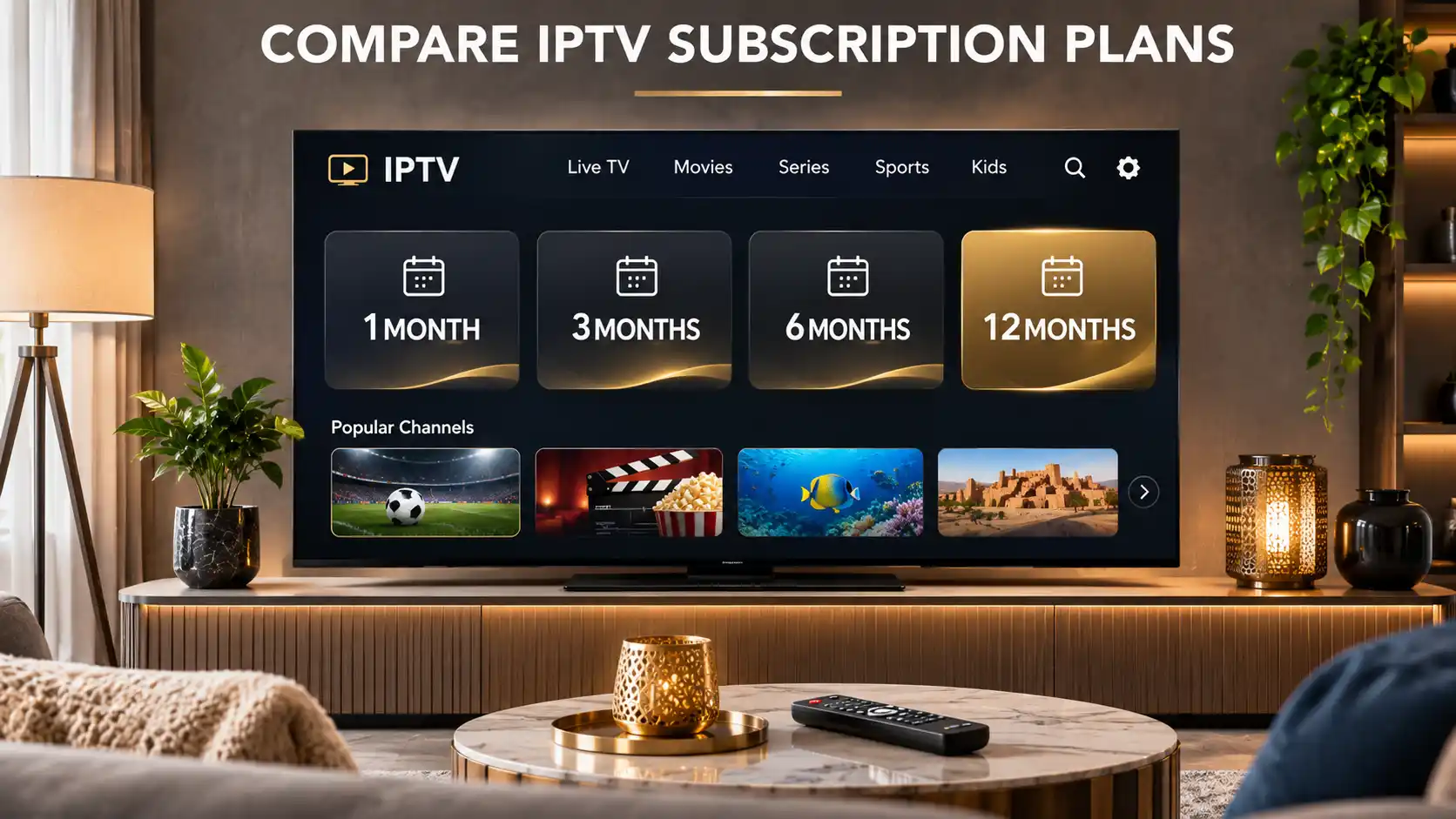
After testing, you can compare the available subscription durations and decide which option matches your needs.
| Feature | $5 IPTV Trial | Longer Subscription |
|---|---|---|
| Price | $5 base price | Depends on the selected plan |
| Duration | Confirm current duration with support | 1, 3, 6, or 12 months |
| Primary Purpose | Evaluate the service | Ongoing use during the subscription period |
| Connections | One connection at the advertised base price | Depends on the selected option |
| Content Availability | Subject to trial conditions and rights | Subject to plan conditions and rights |
| Device Compatibility | Compatible devices | Compatible devices |
A trial can help you decide whether a longer subscription is worthwhile, but it should not be treated as a guarantee of future channel availability or uninterrupted service.
After completing your trial, review your experience and consider how frequently you plan to use the service.
A one-month subscription may suit viewers who prefer a shorter commitment or want additional time to evaluate their regular viewing habits.
A three-month plan may appeal to customers looking for a balance between subscription duration and flexibility.
A six-month option may suit customers who have confirmed that the service meets their needs and prefer a longer subscription period.
A twelve-month subscription may be considered by customers who are comfortable with the service and prefer a longer-term arrangement.
Before purchasing, always confirm current pricing, refund eligibility, connection limits, content availability, and subscription conditions.
IPTV is a legitimate technology used to transmit television content through internet networks.
However, whether a particular service or content source is lawful depends on applicable copyright rules, broadcasting rights, and distribution permissions.
An IPTV trial fee does not establish that a provider is authorized to distribute specific premium channels or live sporting events.
Use trustworthy applications, protect your account information, and verify that the programming you intend to access is authorized for your country.
For further information, read our Is IPTV Legal? Laws, Licensing and Streaming Safety Guide.
The currently advertised trial has a base price of $5.00 for one connection. Confirm the total and conditions during the ordering process.
The exact trial duration is not specified on the public checkout page. Contact IPTVcrowds support to confirm the current duration before ordering.
Open the trial checkout, enter your contact information, select your device and connection option, and continue with the support team through the available WhatsApp or email process.
The checkout states that payment is not required directly on that page. The support team provides confirmation and payment instructions after receiving your order details.
You can ask support about a compatible IPTV player and setup method for your Firestick model. Availability depends on the device and application.
Compatibility depends on your television model, operating system, and supported applications. Confirm the recommended setup before ordering.
International customers can contact IPTVcrowds to check current trial availability, device compatibility, and regional conditions.
The standard trial checkout displays one connection. Contact support to ask whether additional simultaneous connections are available and how they affect the price.
No specific premium programming should be assumed. Content availability depends on the trial conditions, geographic region, and applicable broadcasting rights.
After evaluating the service, you can decide whether to purchase a longer subscription. Review the available plans and confirm all conditions before ordering.
An IPTV trial is a practical way to learn more about a streaming service before committing to a longer subscription.
With the IPTVcrowds $5 trial, prospective customers can explore the current testing option, confirm device compatibility, and evaluate available service features under the agreed trial conditions.
Whether you use Firestick, Smart TV, Android TV, a smartphone, or a computer, testing on your preferred device can help you identify technical requirements and make more informed subscription decisions.
The most important step is to confirm trial duration, content availability, streaming compatibility, licensing, and pricing before placing your order.
Interested in exploring the IPTVcrowds trial?
Start with the IPTVcrowds $5 Trial Checkout to review the advertised base price and submit your details for confirmation.
Our support team can answer questions about compatible devices, installation instructions, trial conditions, subscription options, and available service features.
Contact IPTVcrowds:
After confirming your requirements, choose the option that best matches your intended subscription duration.
Prices shown are the advertised one-connection base prices. Additional options may affect the final amount. Trial and subscription availability, duration, refunds, and content access remain subject to the conditions confirmed during ordering.
Ready to begin? Start Your IPTVcrowds Trial Order or contact our team on WhatsApp for assistance.
© IPTVcrowds. All rights reserved.